33
Color
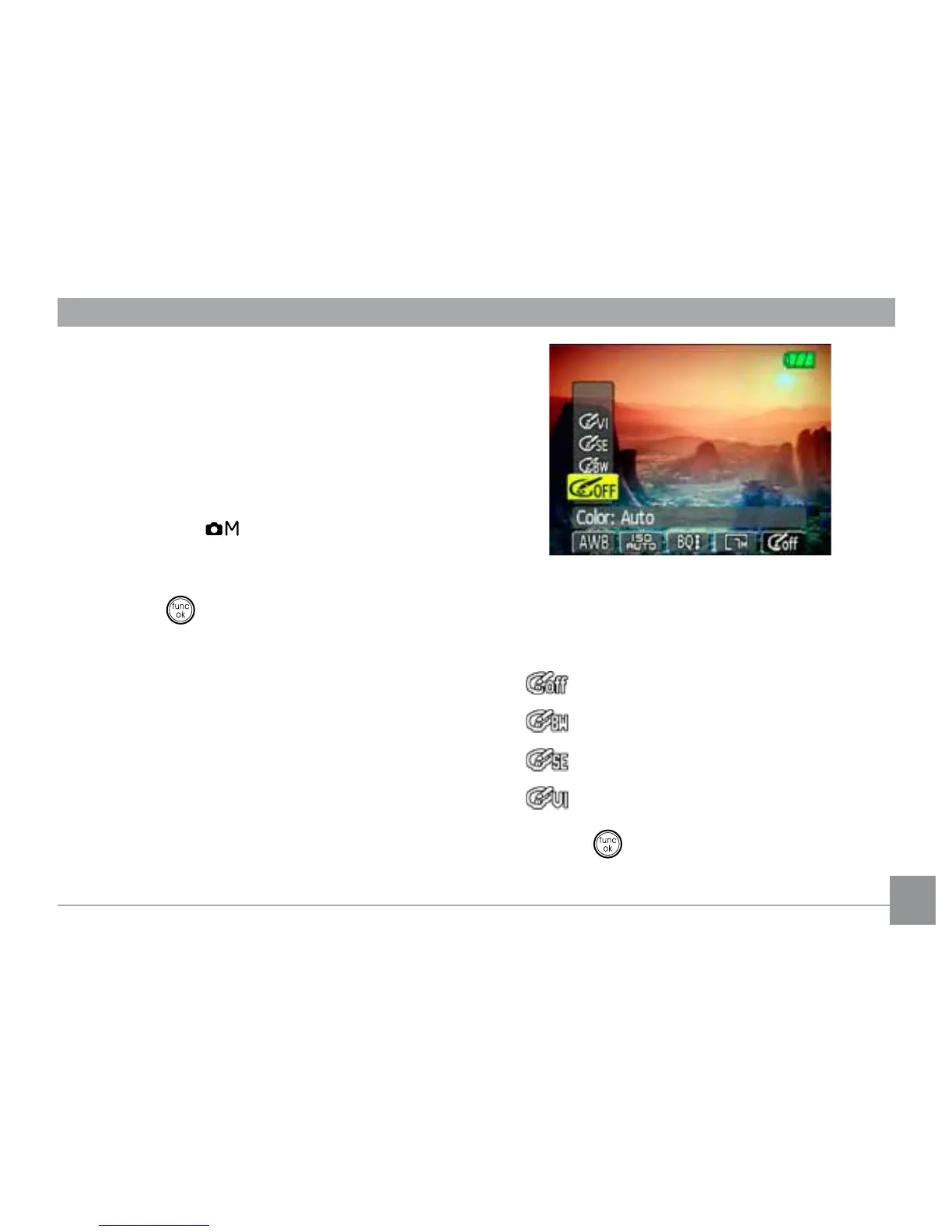
The color setting allows you to add artistic
HȖHFWVGLUHFWO\ZKHQWDNLQJVKRWV<RXFDQWU\
GLȖHUHQWFRORUWRQHVWRDOWHUWKHPRRGRI\RXU
pictures.
(The Color setting is only available when the
camera is in the Manual mode).
To set the image color, do the following:
1. Press the
button to enter the Function
menu.
2. Use the Left/Right navigation buttons to
highlight the Color function.
3. Use
Up/Down
to select an option.
The following options are available:
•
Auto
•
%ODFN:KLWH
•
Sepia
•
Vivid
4. Press the
EXWWRQWRFRQ½UP\RXUVHWWLQJ



 To Next Page