65
Trim
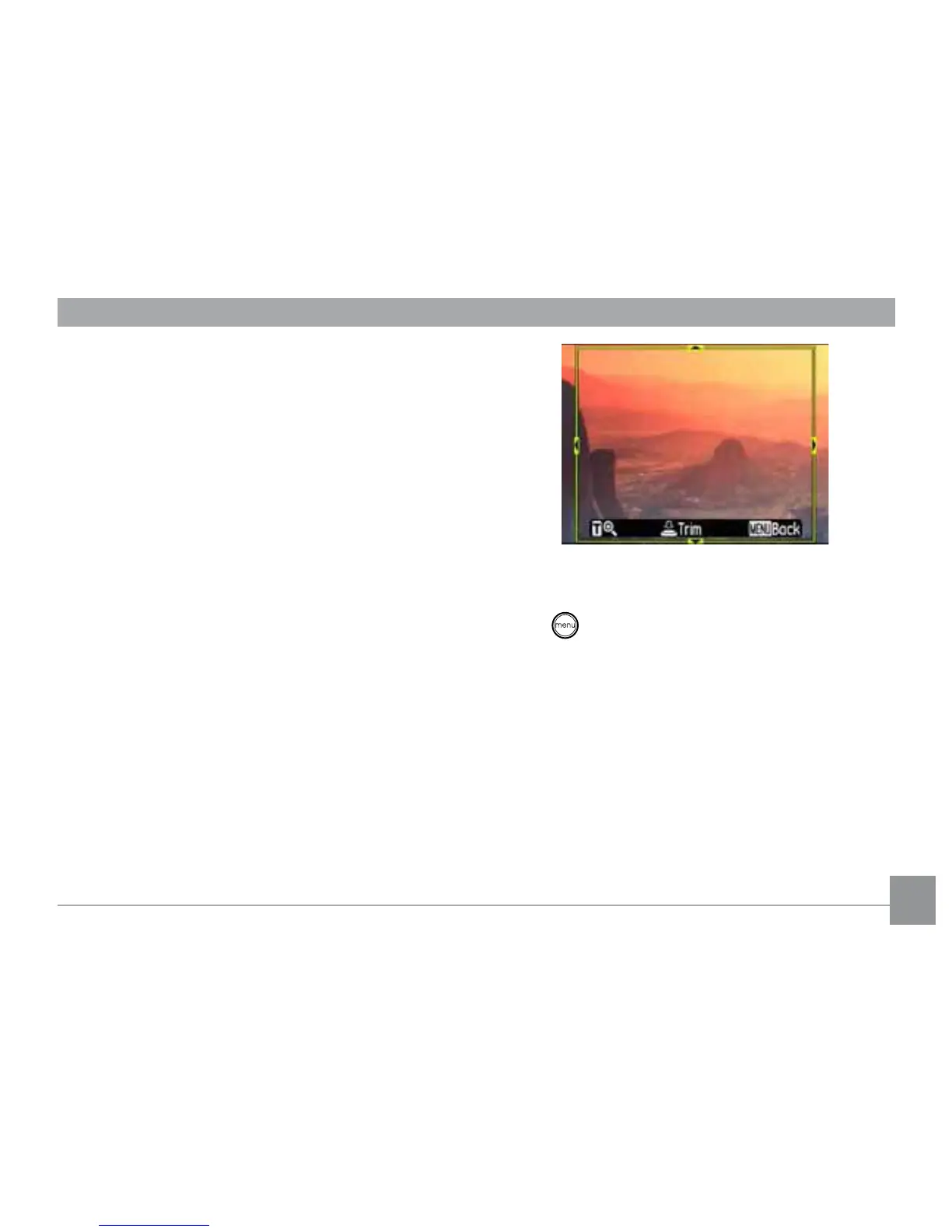
The trim setting allows you select an area of
WKHSKRWR\RXZDQWWRNHHSDQGWKHQVDYHLW
as a new photo.
To trim a picture:
1. Select the Trim setting from the
Playback menu as described previously.
2. Using the Left/Right buttons, locate the
photo that you want to crop and have it
displayed on the LCD.
8VHWKH]RRPVFUROOZKHHODQGQDYLJDWLRQ
EXWWRQVWRDGMXVWWKHWULPPLQJER[WR½WWKH
ORFDWLRQDQGVL]HRIWKHQHZSLFWXUH
4. Press the
Shutter
button to save what you
see on the LCD screen as a new picture, or
the button to cancel and return to the
Playback
menu.
Resize
7KLVVHWWLQJDOORZV\RXWRUHVL]HSLFWXUHWR
DVSHFL½HGUHVROXWLRQDQGVDYHLWDVDQHZ
picture.
1. Select the Resize setting from the
Playback menu as described previously.



 To Next Page