7676
Connecting to a PC
Use the USB cable and ArcSoft software (CD-
ROM) supplied with your camera to copy
(transfer) pictures to a computer.
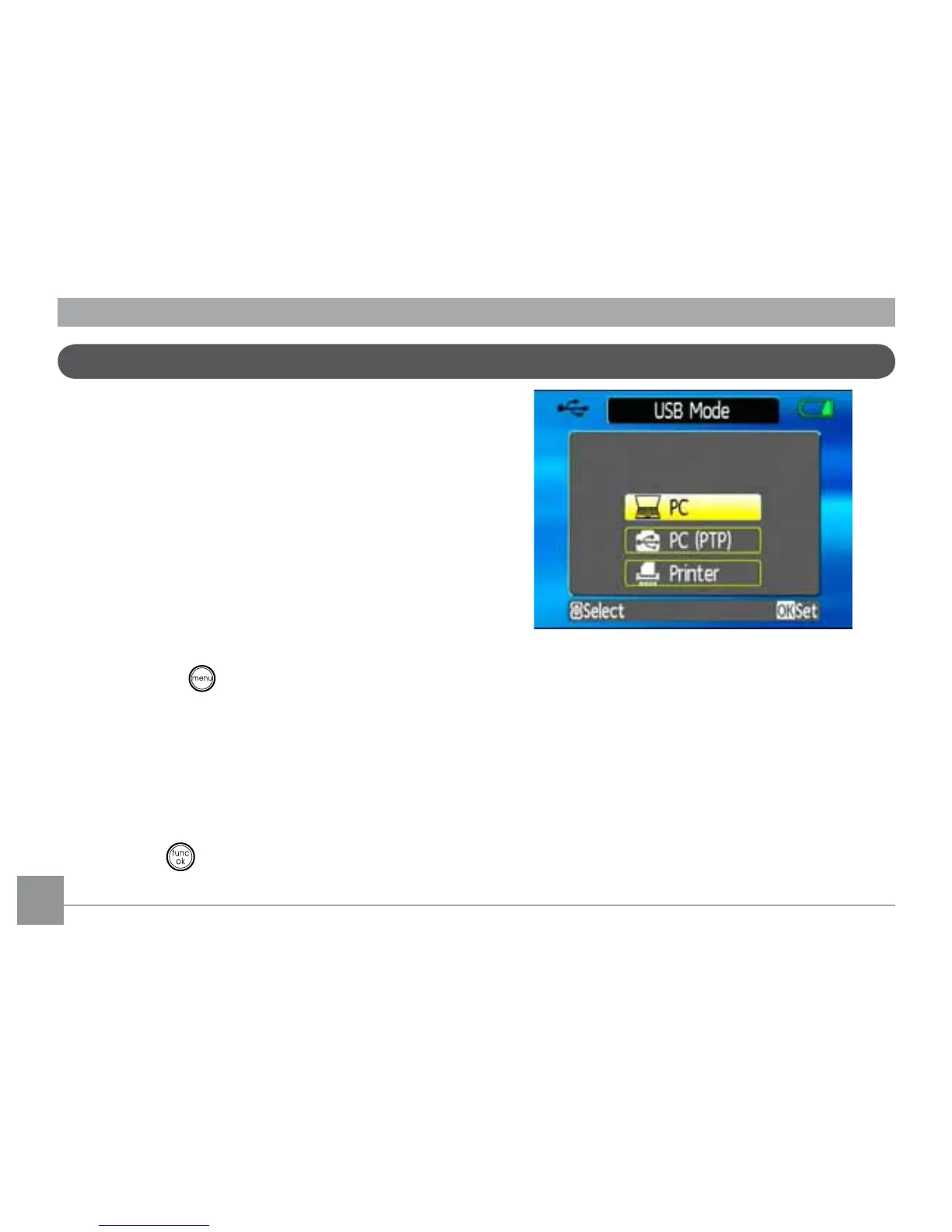
Setting the USB mode
Since the camera’s USB port can be set to
connect with either a PC or a Printer, the
following steps will allow you to ensure that
WKHFDPHUDLVFRUUHFWO\FRQ½JXUHGWRFRQQHFW
with a PC.
1. Press the
button and use the
Up/
Down
navigation buttons to select
USB
Connect
, and then press the Right
navigation button.
2. Use the
Up/Down
navigation buttons to
select
PC
.
3. Press the
EXWWRQWRFRQ½UPWKHVHWWLQJ
7UDQVIHUULQJ¿OHVWR\RXU3&
The computer will automatically detect the
FDPHUDDVDUHPRYDEOHGULYH'RXEOHFOLFN
My Computer
LFRQRQWKHGHVNWRSWRORFDWH
the removable drive and to copy the folders
DQG½OHVLQWKHGULYHWRDGLUHFWRU\RQ\RXU3&
DV\RXZRXOGFRS\DQ\W\SLFDOIROGHURU½OH



 To Next Page