5252
Using the Delete button
7KHFDPHUDLVHTXLSSHGZLWKDTXLFNDelete
button for you to delete photos or video-
clips without entering the Playback menu.
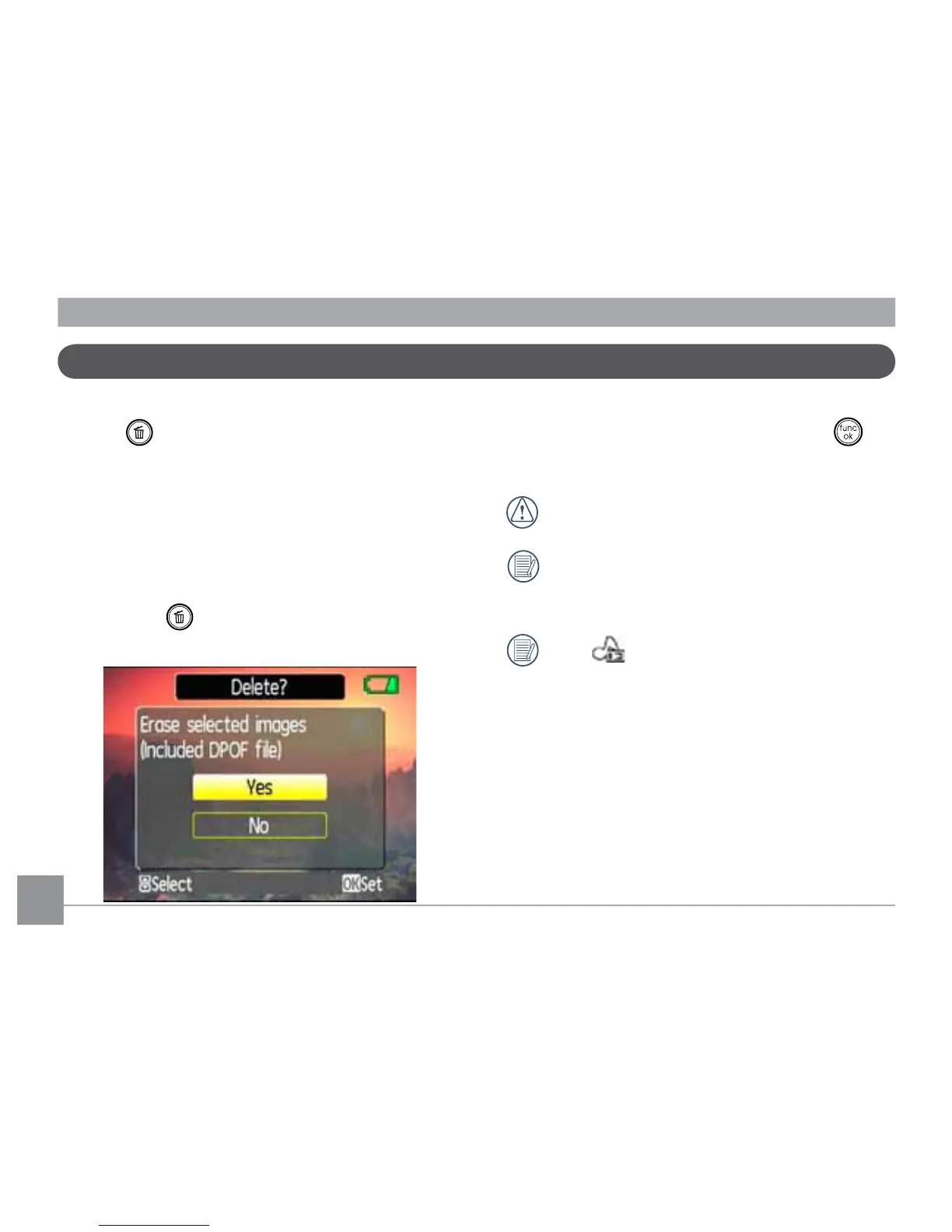
To delete a photo or video:
1. Turn your camera to Playback mode.
2. Use the navigation buttons to select the
photo/video clip you want to delete.
3. Press the
button. The Delete screen
appears.
4. Press the Up/Down navigation buttons
to select Yes or No. Then press the
EXWWRQWRFRQ½UP
Erased photos/video clips cannot be
recovered.
Please refer to page 64 for
instructions on the delete menu
options.
The
indicator appears if the pic-
WXUHKDVDVRXQG½OHDWWDFKHG<RX
can choose to delete the attached
VRXQG½OHDORQHRUWRGHOHWHERWKWKH
SLFWXUHDQGWKHVRXQG½OH



 To Next Page