5151
8VLQJ]RRPSOD\EDFNIRUVWLOOSLFWXUHVRQO\
7KH]RRPVFUROOZKHHOFDQDOVREHXVHG
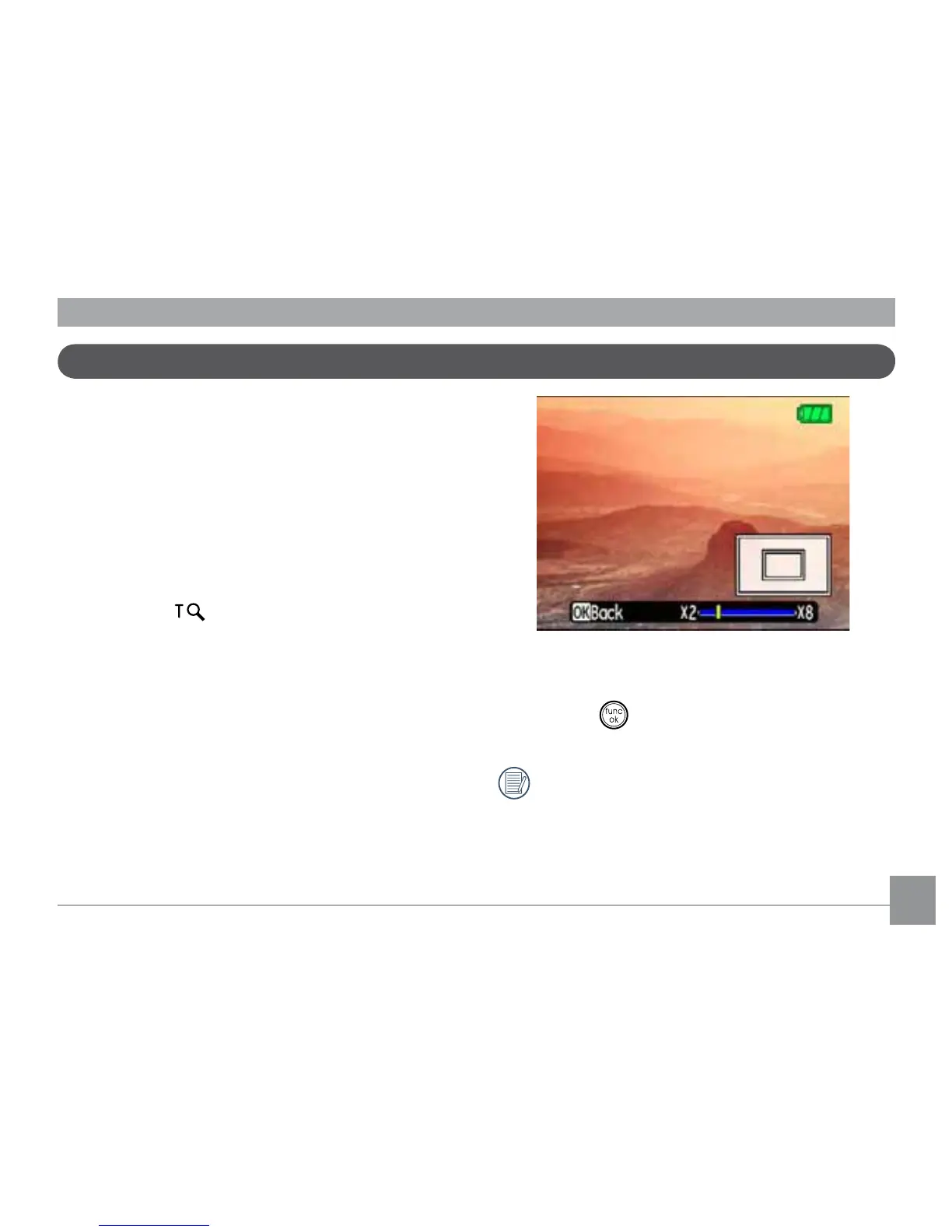
GXULQJSOD\EDFN7KLVDOORZV\RXWRPDJQLI\
photos up to 8X.
1. Turn your camera to Playback mode.
2. Use the Left/Right navigation buttons to
select a photo to magnify.
0RYHWKH]RRPVFUROOZKHHOWRWKH7HOH
position (
) once.
8VHWKH]RRPVFUROOZKHHOWR]RRPLQ
DQGRXW7KH]RRPLQGLFDWRUDQGSDQER[
appear on the screen.
5. Use the navigation buttons to pan across
the image.
6. Press the
button to return the image to
its original scale.
Movie images cannot be enlarged.



 To Next Page