62
2. Select the Protect setting from the
Playback menu as described previously.
3. Use the Up/Down navigation buttons to
select One to protect this picture/video,
or select All to protect all pictures/videos in
the internal memory or memory card. Then
press the Right navigation button.
4. Use the
button to select YesWRORFN
the displayed picture/video or Unlock
WRXQORFNLWDQGXVHWKHUp/Down
navigation buttons to select Back to
return to the Playback menu.
$NH\
) icon will appear on the top of
the screen to indicate that the picture/
video is protected.
6. Select reset to cancel protection for all
½OHVWKDWKDYHEHHQSODFHGLQWKHSURWHFWHG
mode.
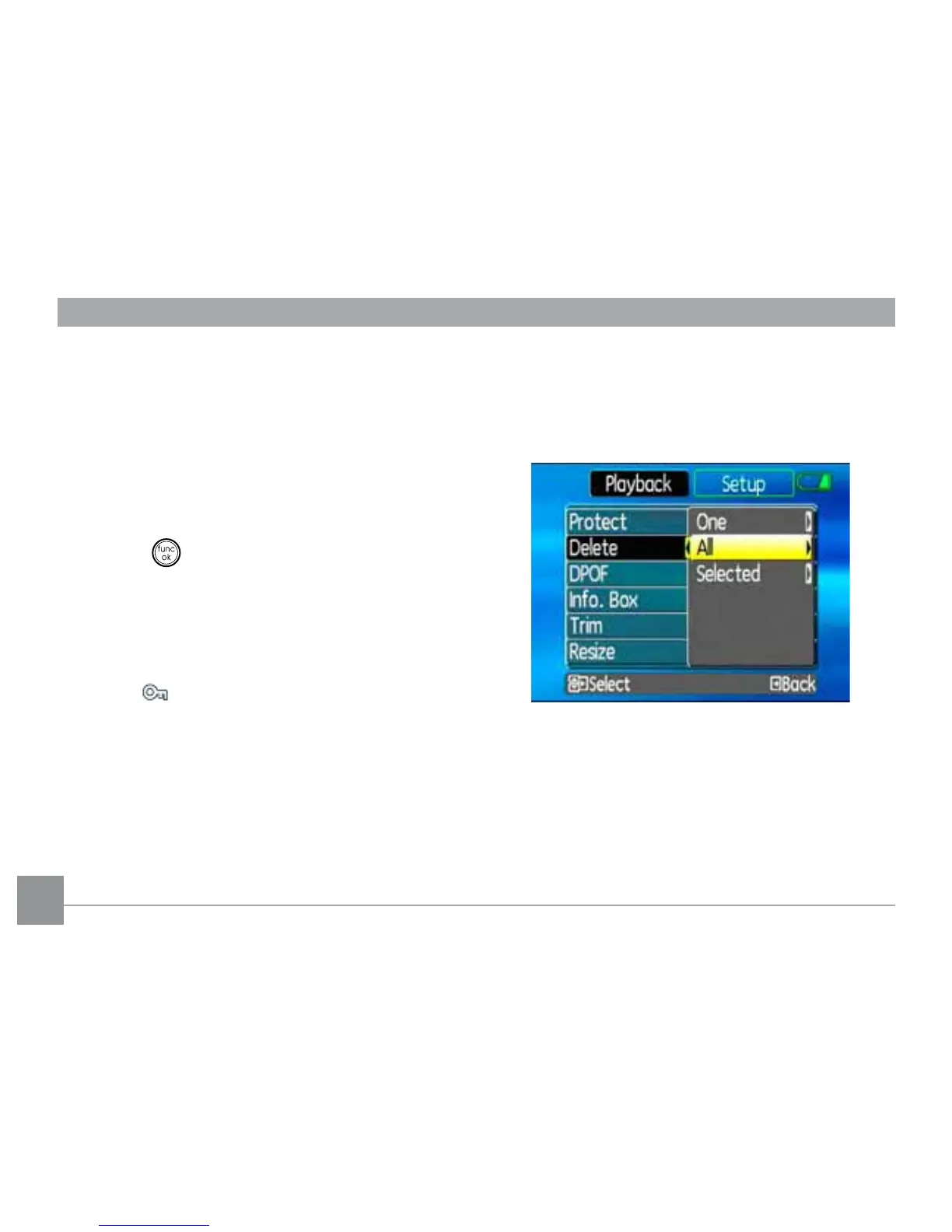
Delete
7KHUHDUHWKUHHZD\VWRGHOHWH½OHVSOHDVH
QRWHWKDWD½OHFDQQRWEHUHFRYHUHGRQFHLWLV
deleted.)
•Delete One:
1. On the Delete menu, select Delete One
and then press the Right button.
2. Using the Left/Right buttons, locate the
SKRWRRUPRYLH½OHWREHGHOHWHG6HOHFW
YesWRGHOHWH½OHRUNo (to return to



 To Next Page