63
the previous menu) using the Up/Down
buttons, then press the button to
FRQ½UP
•Delete All:
1. On the Delete menu, select Delete All and
then press the Right button.
2. Using the Left/Right buttons, select Yes
WRGHOHWHDOO½OHVRUNo (to cancel and
return to the previous menu).
•Delete Selected:
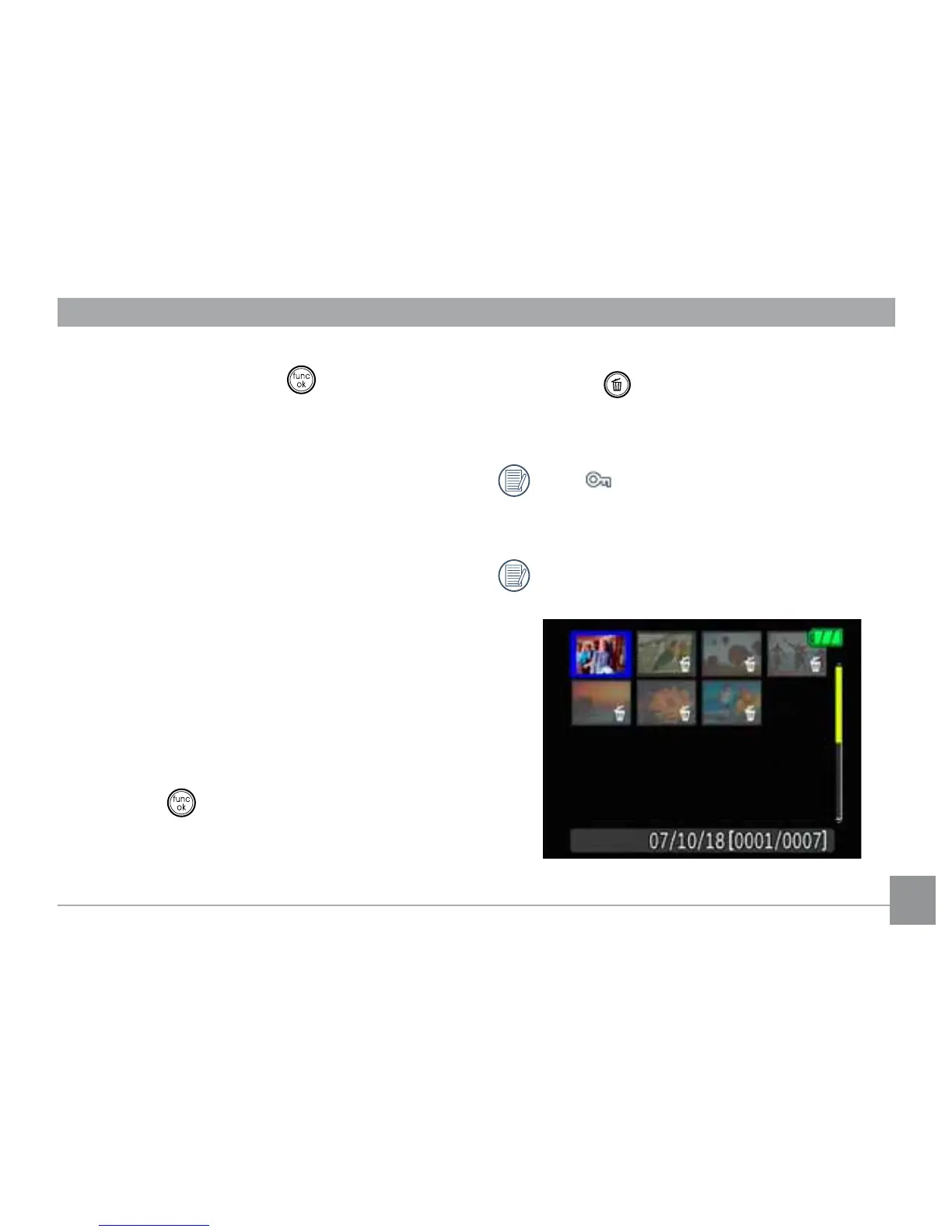
1. On the Delete menu, select Delete
Selected Files and then press the Right
button.
2. Use the Up/Down/Left/Right buttons
WRORFDWHHDFK½OHWREHGHOHWHGDQGWKHQ
press the
EXWWRQWRPDUNWKH½OHIRU
deletion. An indicator will appear for each
½OHWKDWLVPDUNHGIRUGHOHWLRQ8VHWKH
=RRPEXWWRQWRUHVL]HLPDJHLFRQVIRUHDV\
viewing.)
3. Press the
button to delete the selected
½OHV&KRRVHYesWRFRQ½UP½OHGHOHWLRQ
or No to return to the previous menu.
The “
²LQGLFDWRUPHDQVD½OHLVSUR-
tected. File protection must be removed
½UVWEHIRUHD½OHFDQEHGHOHWHG
'HOHWLQJ½OHVZLOOFDXVH'32)VHWWLQJV
to be reset.



 To Next Page