72
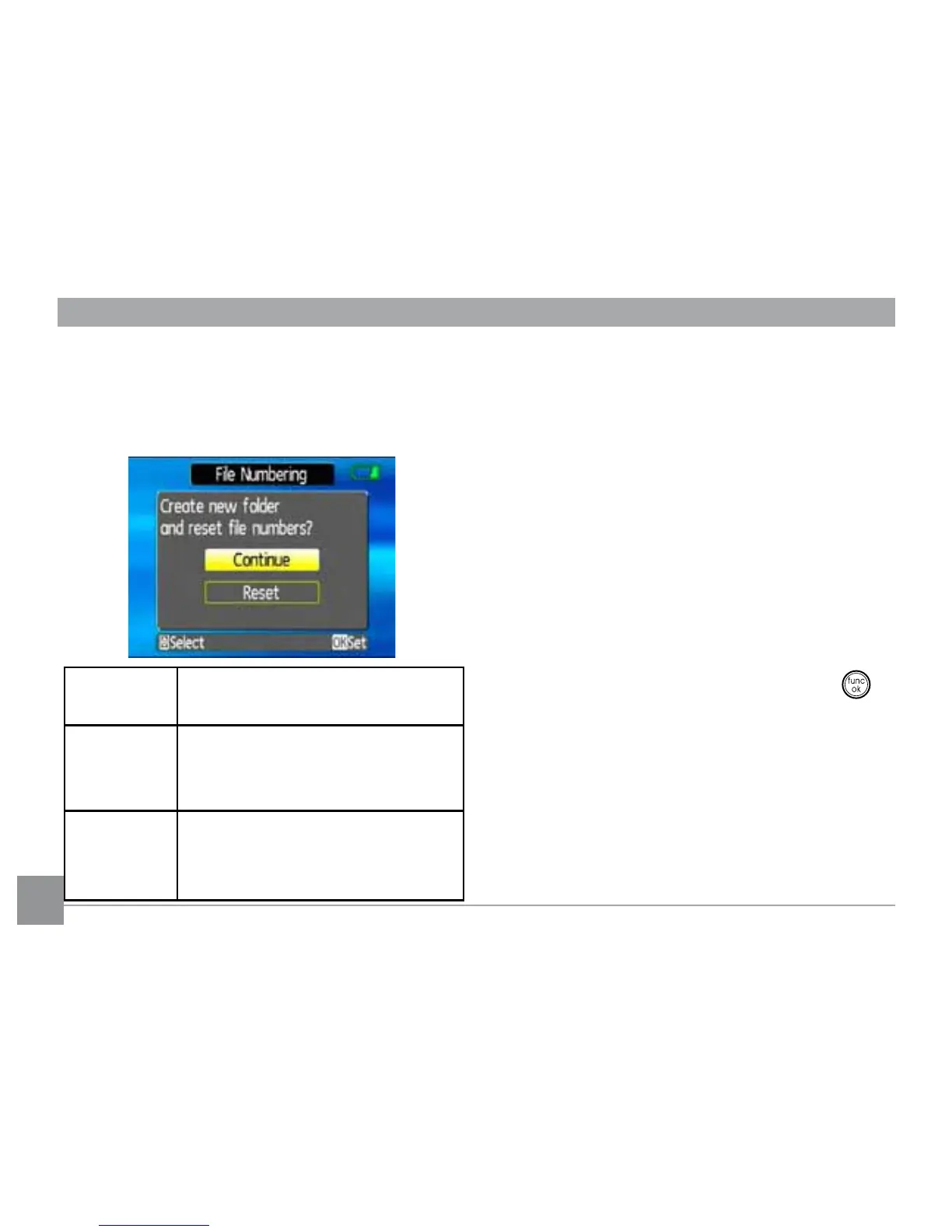
File Numbering
After capturing photos or videos, the camera
ZLOODXWRPDWLFDOO\VDYHWKH½OHZLWKDQXPHULF
VXȗ[
Language
See “Setting the Language“ section on
page 26.
Video system
Use this setting to determine your video
system in the current area.
1. Select the Video system setting from
the Setup menu as described previously.
2. Use the Up/Down navigation buttons to
select NTSC or PAL. Then press the
EXWWRQWRFRQ½UP
The video output signal can be switched
WR176&RU3$/WRDFFRPPRGDWHGLȖHUHQW
regional standards. The appropriate setting
will vary between regions.
Select this
setting:
Serial number is derived and
DVVLJQHGWRDQHZ½OHDVIROORZV
Continue
whether the number should
continue on from the last photo
\RXKDYHWDNHQ
Reset reset the counter to 1 and
VDYH½OHVLQDQHZIROGHULQWKH
memory card.



 To Next Page