2828
Using Macro mode
In Macro mode, you can capture tiny details
of the subject at a very close range. Press the
Right/MacroWRWDNHFORVHXSVKRWV
• Macro
Select this to focus on subjects 5cm from
the lens.
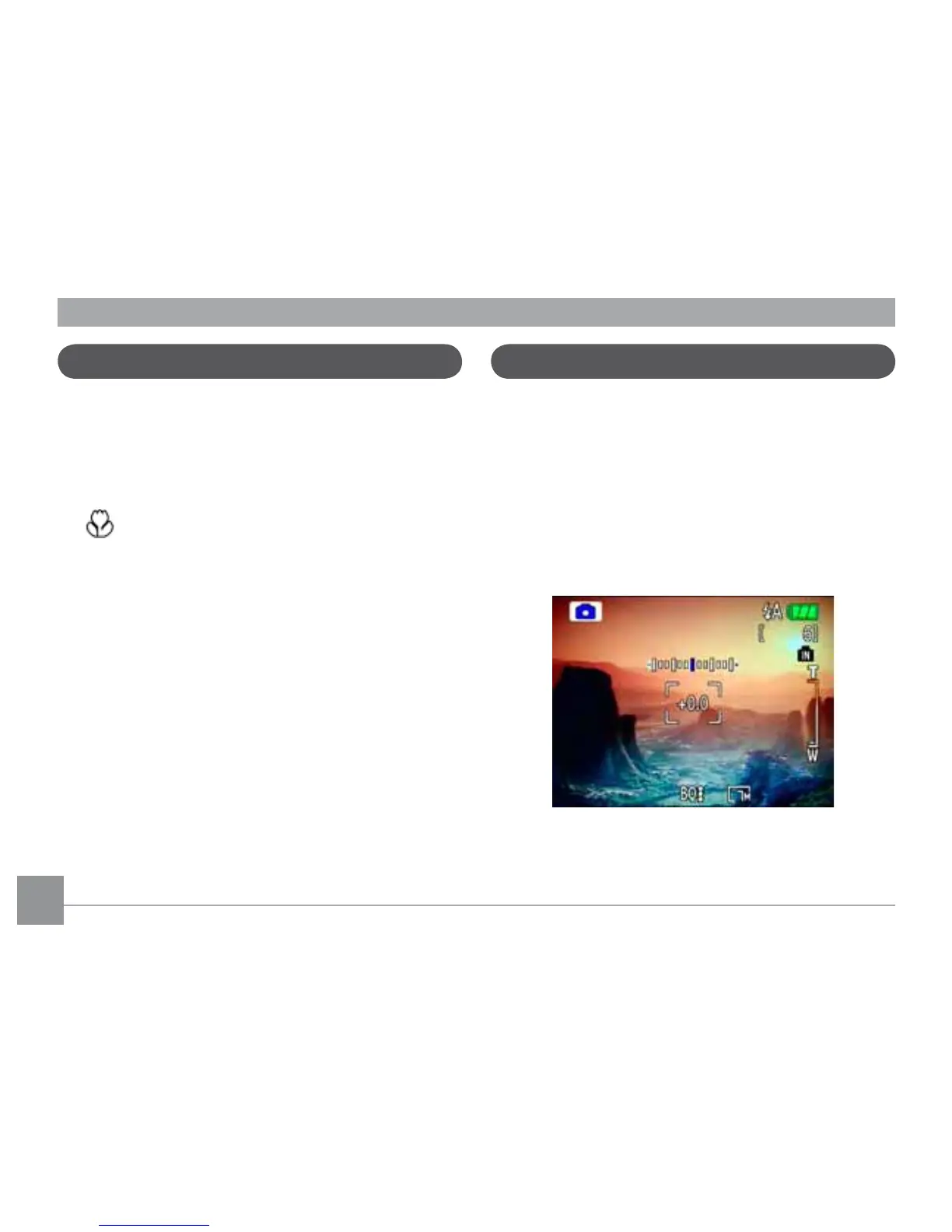
Exposure compensation
The exposure compensation allows you to
DGMXVWWKHEDFNJURXQGEULJKWQHVVWRSURGXFH
the best result of photos. To change the expo-
sure values, do the following:
:KHQWDNLQJDSLFWXUHSUHVVWKH8S
Exposure button to activate the set
exposure screen.
2. Use the Left/Right to adjust the exposure
value for the picture. The range is from EV
-2.0 to EV+2.0 (steps of 0.3).



 To Next Page