49
Editing video
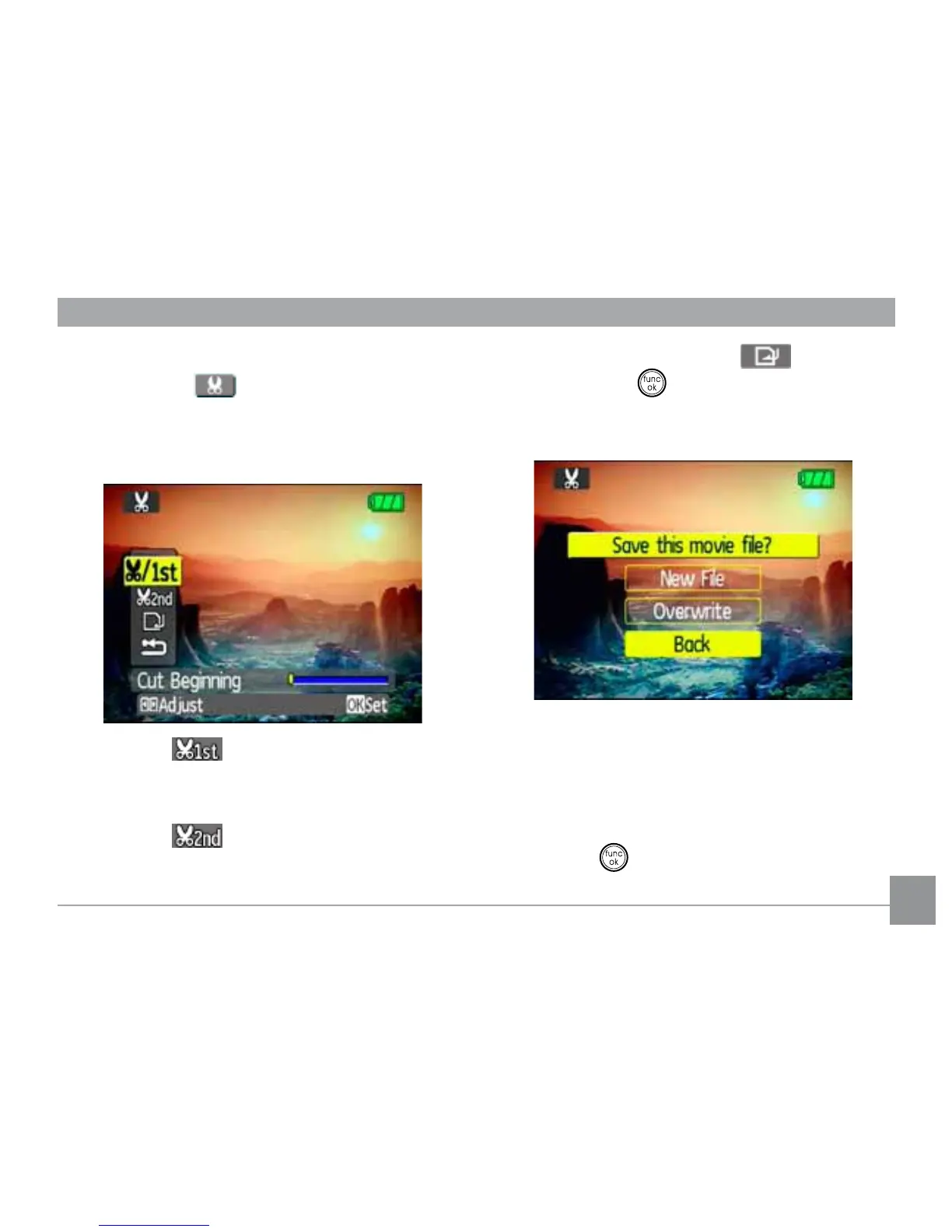
Press the Edit
program button to enter
the following screen and use the buttons on
WKHOHIWVLGHWRHGLWWKHSOD\EDFN8VHWKHUp/
Down navigation buttons to select a button.
1. Select the button and use the Left/
Right navigation buttons to specify the
QHZEHJLQQLQJRIWKHSOD\EDFN
2. Select the
button and use the Left/
Right navigation buttons to specify the
QHZHQGRIWKHSOD\EDFN
7RVDYHWKH½OHVHOHFWWKH
button
and press the
button.
4. Use the Up/Down navigation buttons to
select an option.
• New ¿OH6DYHDVDQHZ½OH
• Overwrite2YHUZULWHWKHRULJLQDO½OH
• Back'RQRWVDYHWKH½OHDQGUHWXUQWR
the Edit screen.
5. Press the
EXWWRQWRFRQ½UP\RXU
setting.



 To Next Page