GE COMPANY
D
IRECTION 5745295-1EN, REVISION 1 OPTIMA CT520 DOD IB UPGRADE INSTRUCTION
Chapter 2 - Upgrade Procedure Page 35
Section 4.0
Flash Download
Note: The Flash Download takes anywhere from 5-30 minutes, depending on which subsystems require
updates.
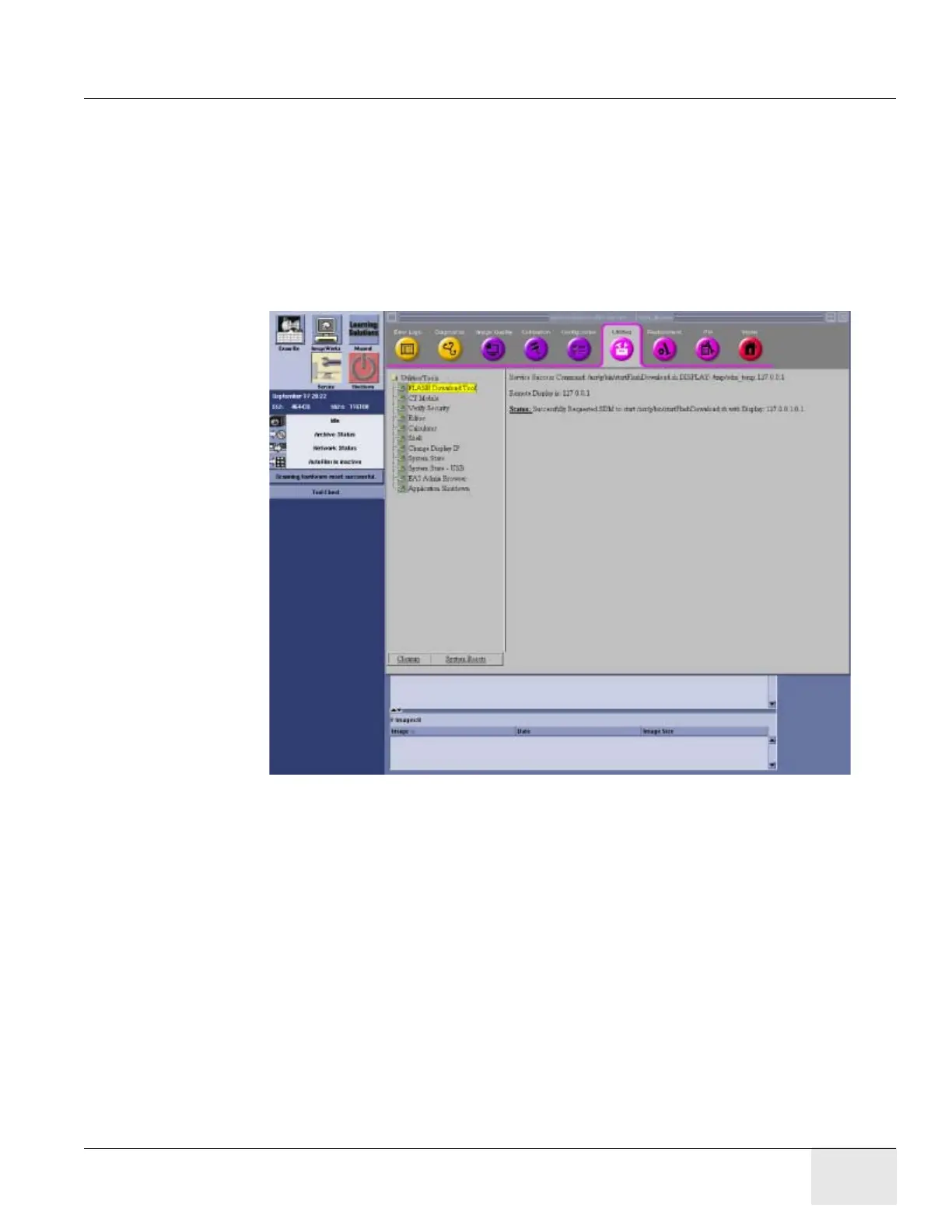
1.) Perform the Flash Download Utility found on the Common Service Desktop - Utilities Tab,
select [Flash Download].
Figure 13 Common Service Desktop - Utilities Tab, Flash Download
2.) When the Flash Download Window opens, Select [Update].





 To Next Page