GE COMPANY
D
IRECTION 5745295-1EN, REVISION 1 OPTIMA CT520 DOD IB UPGRADE INSTRUCTION
Page 36 Chapter 2 - Upgrade Procedure
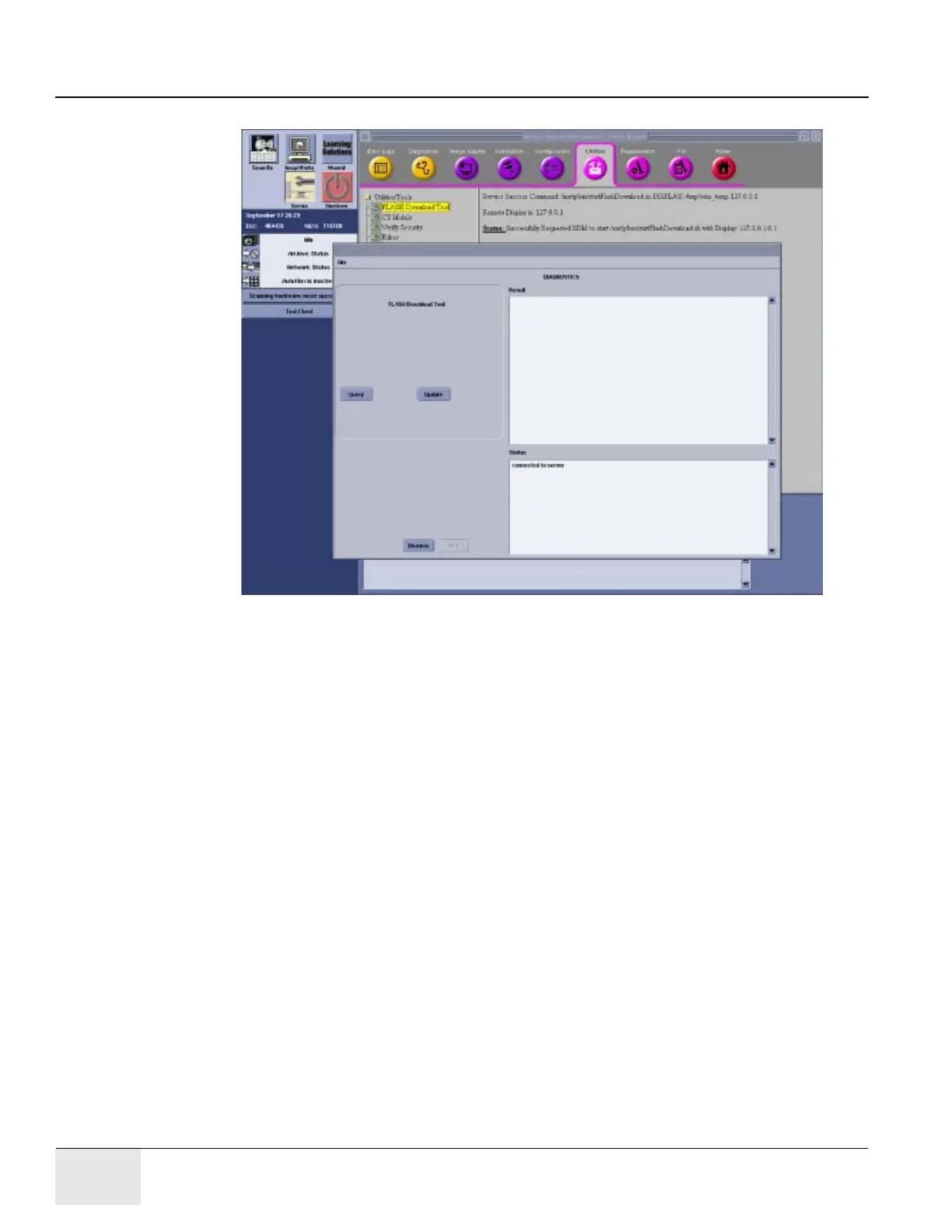
Figure 14 Flash Download Window5
3.) Once the Gantry Hardware Flash Downloads successfully, select [Dismiss].
4.) Close the Common Service Desktop.
Section 5.0
ASiR Option Installation
Note: If customer does not purchase ASiR option, please ignore this section.
5.1 Check GPU Card
Please refer to ASiR Upgrade Installation Manual (5344359-1EN_r5 or later) to check GPU card.
5.2 Option Installation
1.) Un-install Neuro 3D Filter option if needed. (This option conflicts with ASIR Application.)
2.) Install ASIR option software (shipped with B77092CB) using Option Install menu.
3.) Confirm that system started up normally.
4.) Install the Recon Enhancement Option software (shipped with B77092CB) using Option Install
menu.





 To Next Page