EasyManua.ls Logo

Geemarc combi dect 295 - Base Menu Structure

Geemarc combi dect 295
77 pages
Print Icon
To Next Page IconTo Next Page
To Previous Page IconTo Previous Page
Loading...
17
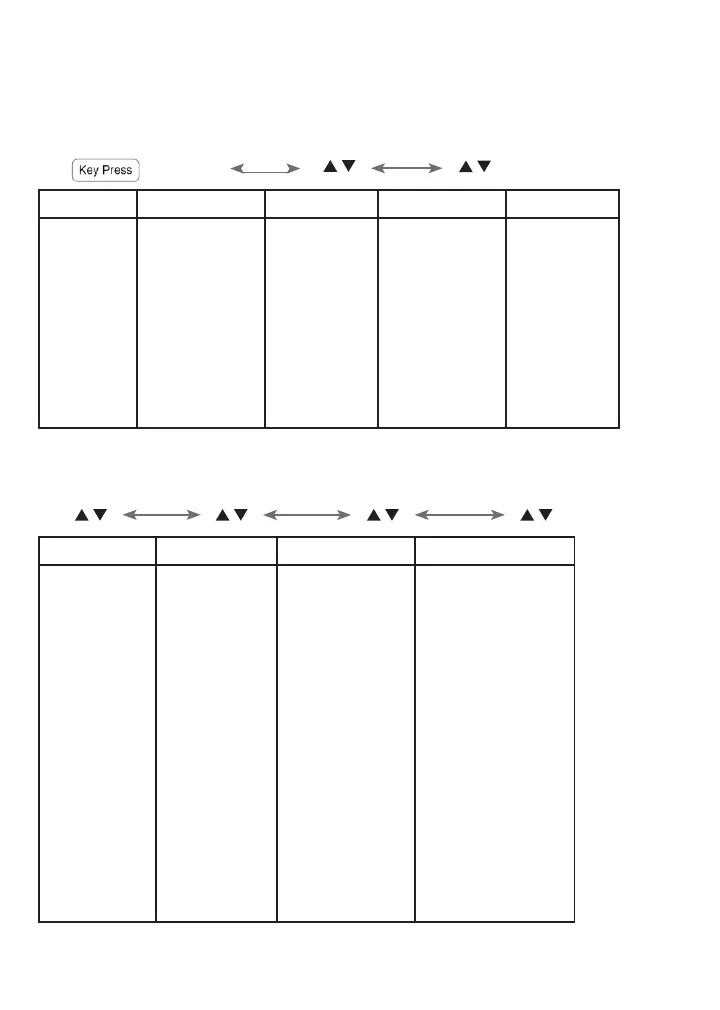
3.7 Base Menu Structure
In idle mode, pressing MENU/OK will access the menu. Refer to the following for the
menu structure.
MENU/OK
/ /
Main Menu
PHONEBOOK
CALL LOG
DATE & TIME
LANGUAGE
Sub menu
VIEW
ADD
EDIT
DELETE
DELETE ALL
PB STATUS
MISSED
RECEIVED
DIALED
TIME FORMAT
SET CLOCK
ENGLISH
DEUTSCH
FRANCAIS
ITALIANO
ESPANOL
PYCCKNN
DUTCH
/ / / /
SETTINGS
PAGE All HS
REGISTRATION
ANS. MACHINE
RING SETUP
DELETE HS
DIAL MODE
FLASH TIME
KEY TONE
CHANGE PIN
BS DEFAULT
MSG PLAYBACK
DELETE ALL
MEMO
TAM ON/OFF
TAM SETTINGS
ANSWER MODE
OGM SETTINGS
ANSWER DELAY
RECORD TIME
TAM LANGUAGE
BS SCREENING
REMOTE ACC.
COMPRESSION
CHANGE PIN
TAM DEFAULT

Table of Contents

Related product manuals