page | 3
Back
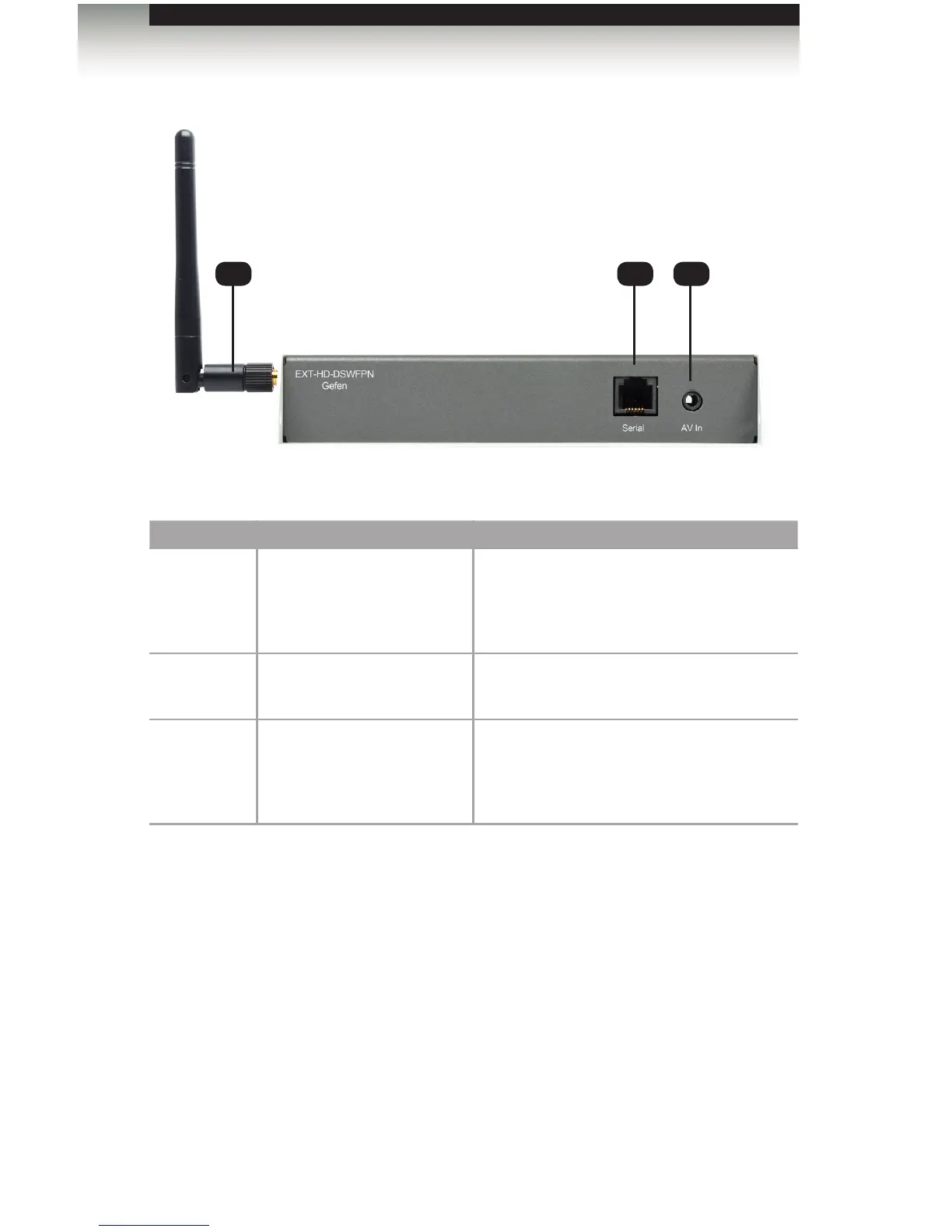
ID Name Description
1 Wi-Fi antenna The included Wi-Fi antenna must be
connected in order for the device to work
properly. The Wi-Fi antenna must be
connected before the unit is powered.
2 Serial Connect the included RS-232 to Ethernet
adapter to this port.
3 AV In Allows devices such as TV tuners and video
cameras to be connected to the Digital
Signage Player with Wi-Fi, using a 3.5 mm
composite A/V cable.
Panel Layout
1 2 3
Getting Started



 To Next Page