page | 8
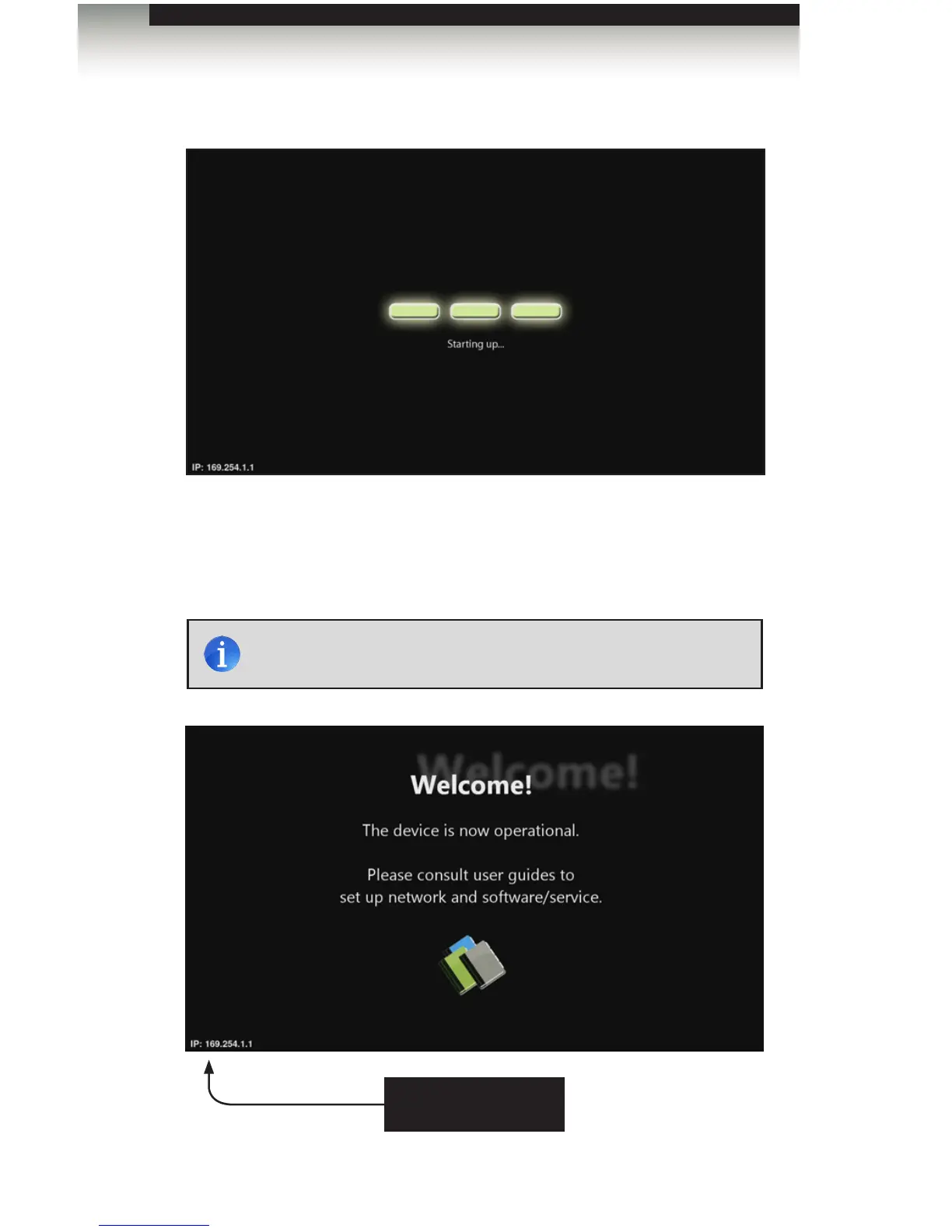
After connecting power to the unit, the following screen will be displayed:
The boot process will take approximately 90 seconds. Once the boot process has
successfully completed, the Digital Signage Player will be ready to sync content using the
USB port. If content has already been loaded, then playback will begin immediately. If no
content has been loaded or if the unit has been reset, then the Welcome screen will be
displayed.
Powering the Digital Signage Player
NOTE: The current IP address of the Digital Signage Player is
displayed in the lower left-hand corner of the screen.
IP address of Digital
Signage Player
Operating the Digital Signage Player with Wi-Fi Plus



 To Next Page