page | 22
Conguring the Digital Signage Player
Setting the Internal Clock
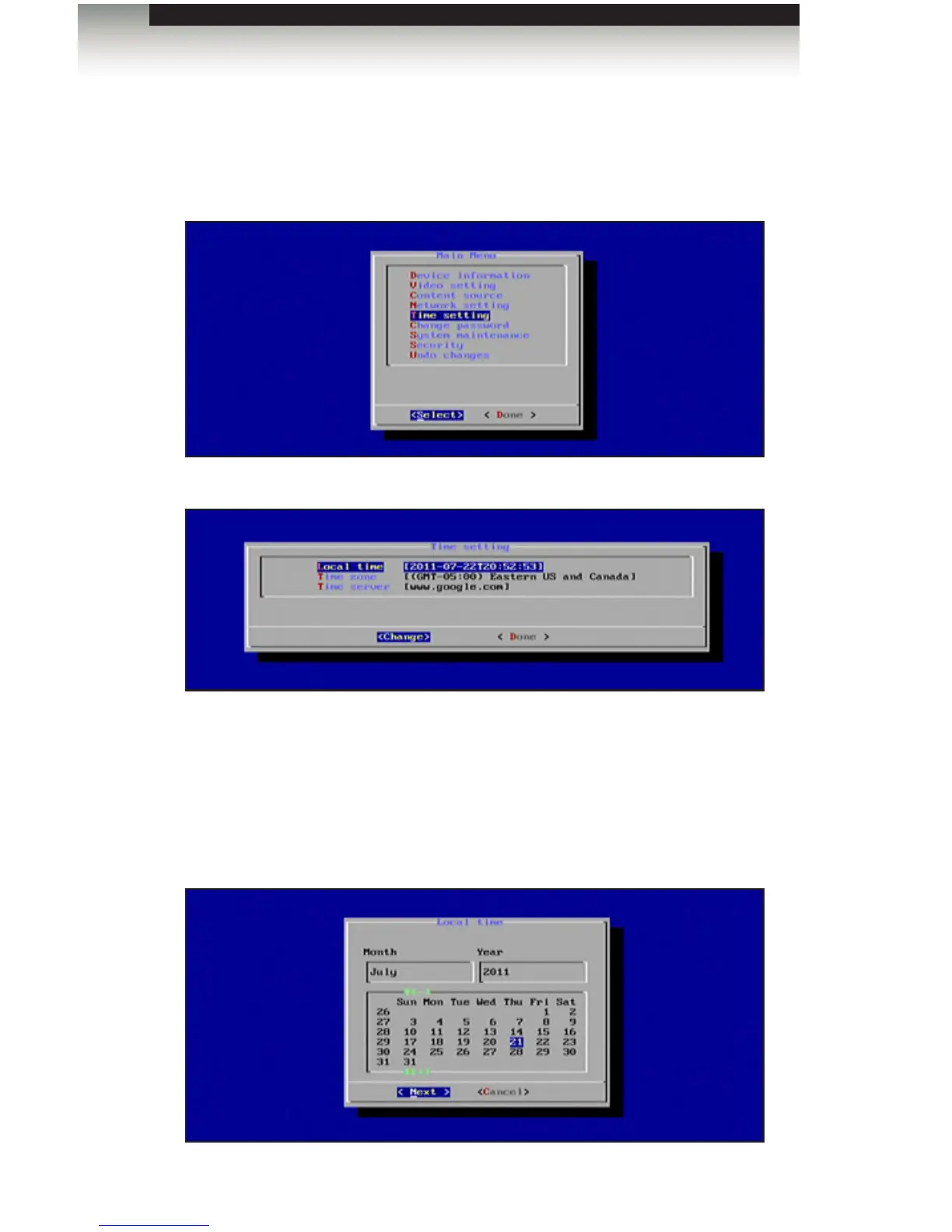
1. To set the clock, highlight the Time Setting option in the Main Menu. Both the local
time and the time zone can be set from within this menu.
2. Press the Enter key to display the Time Setting dialog.
The Time Setting dialog allows you to set the following options:
• Local Time
• Time Zone
• Time Server
3. To set the Local Time, press the Enter key. A calendar will be displayed, allowing the
current day to be selected:
Operating the Digital Signage Player with Wi-Fi Plus



 To Next Page