page | 35
This section will cover the process of creating a simple Digital Signage presentation.
In the following example, the Digital Signage Player will be connected to the network using
an Ethernet cable.
1. Connect to the network using Wi-Fi or connect an Ethernet cable from the Ethernet
jack of the Digital Signage Player to the network. Congure the network settings of
the Digital Signage Player, as required.
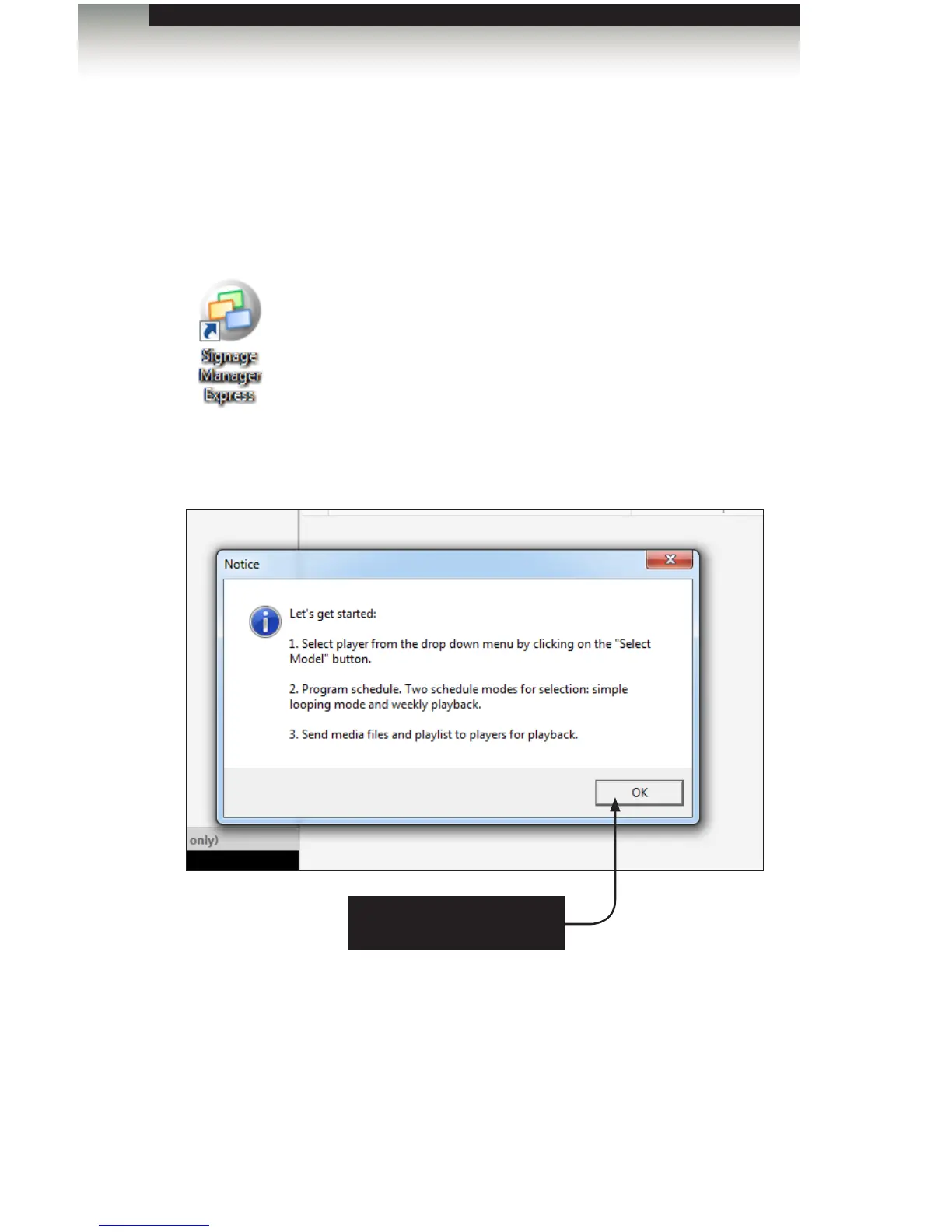
2. Launch the Signage Manager Express from the Start Menu or double-click on the icon
on the Windows Desktop.
3. After the Signage Manager Express launches, click the OK button on the “Let’s get
started” dialog.
Creating a Sample Presentation
Click the OK button to
dismiss the dialog
Signage Manager Express Software



 To Next Page