page | 13
Conguring the Digital Signage Player
Changing the name of the Digital Signage Player
When using the Digital Signage Player on a network, it is useful to provide a specic name
to the player. By default, a random alphanumeric number is used.
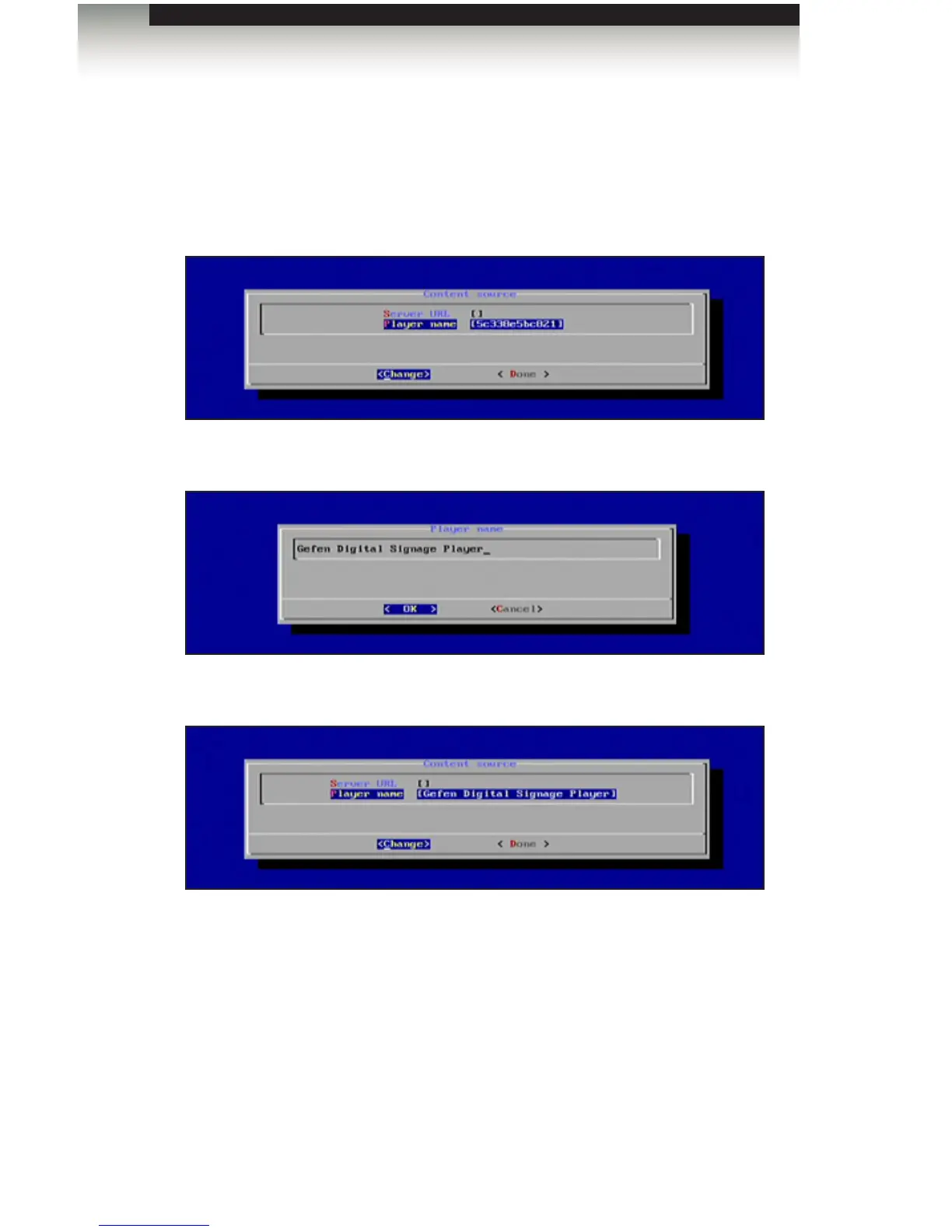
1. From the Content Source dialog, select the Player Name option.
2. Type in the desired name of the player. Press the Enter key to conrm the change.
3. The new name of the player will be displayed in the Content Source dialog.
4. Select Done from the Main Menu to save the changes.
Operating the Digital Signage Player with Wi-Fi Plus



 To Next Page