page | 23
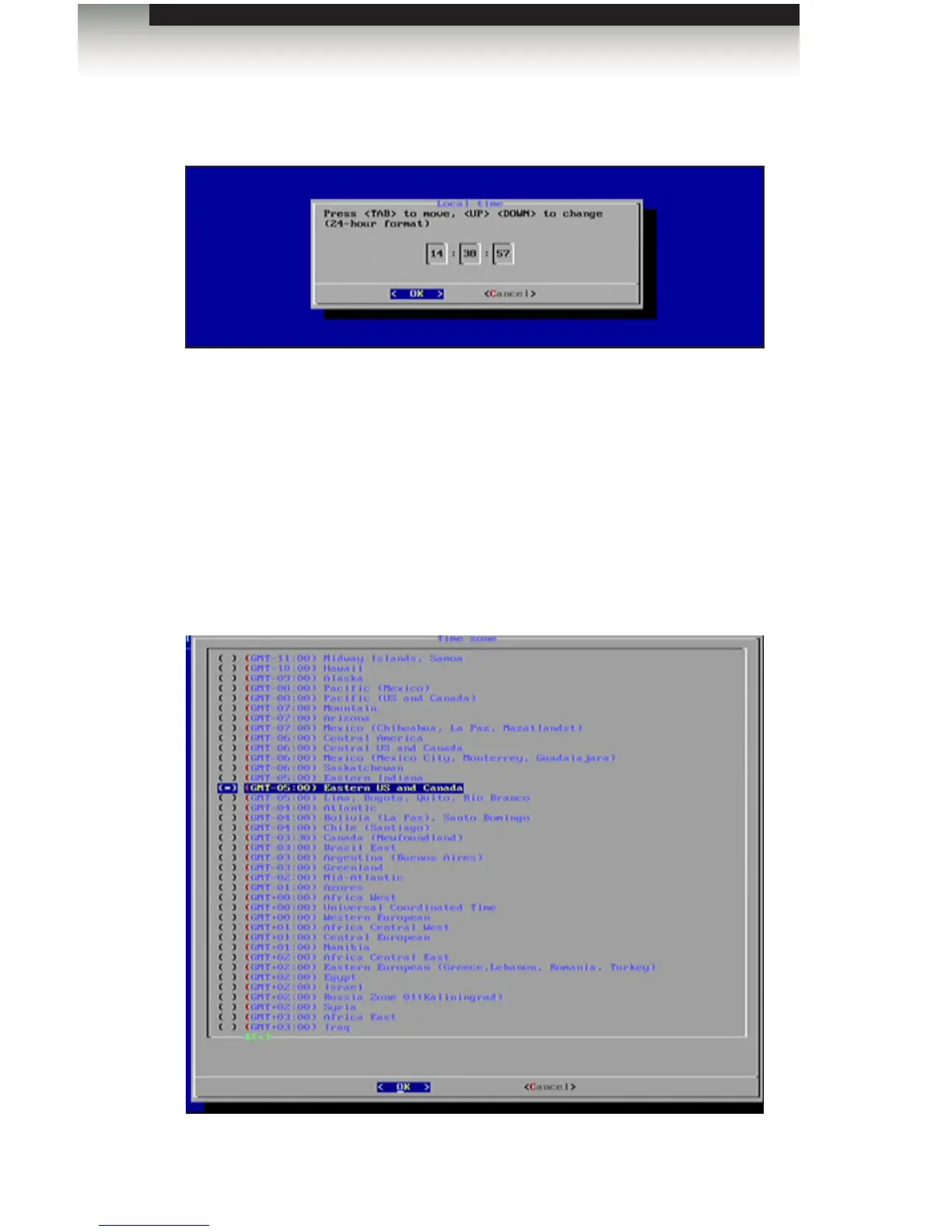
4. After the day has been set, press the Enter key to set the time. The time is
represented in 24-hour format.
5. After setting the day and time, press the Enter key to conrm the changes.
6. Select Done from the Main Menu to save the changes.
Setting the Time Zone
1. To set the clock, highlight the Time Zone option under the Time Setting menu.
2. Press the Enter key to display the list of time zones:
Conguring the Digital Signage Player
Operating the Digital Signage Player with Wi-Fi Plus



 To Next Page