page | 72
The Trigger Template is for use with the GPIO PCB (sold separately). In order to use
the GPIO board with the Digital Signage w/ Wi-Fi (or Wi-Fi Plus), select the GPIO trigger
template within the Signage Manager Express. See GPIO PCB Installation for information
on connecting the GPIO PCB to the Digital Signage Player.
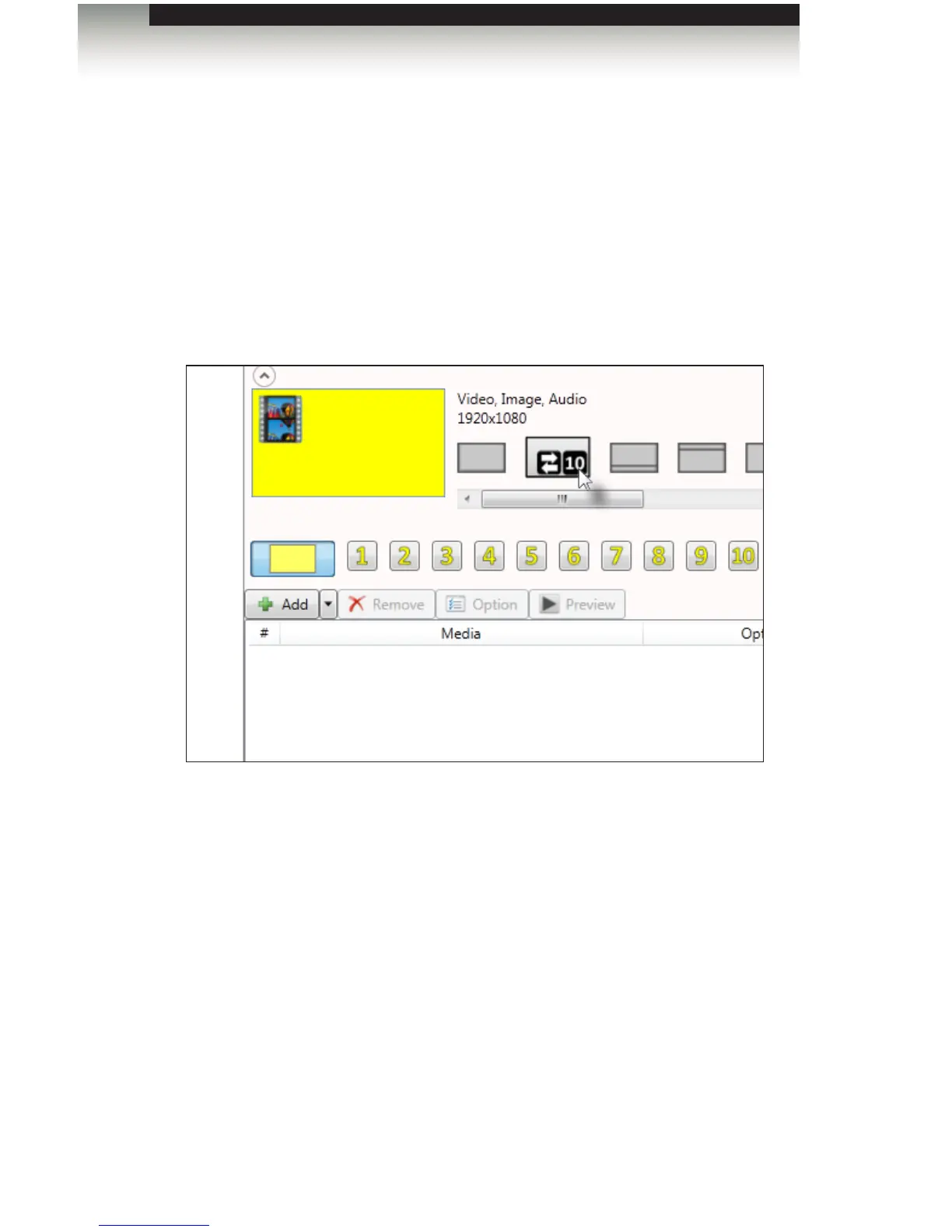
1. On the right-hand side of the screen, under the Aspect ratio drop-down list, click the
down-arrow to expand the list of templates. Once the list of templates is displayed,
click the second template, as shown below.
2. Once the trigger template is selected, a row of ten numbers will appear above the
Media window. Each number represents a trigger input on the GPIO board.
3. To add a trigger event, click on the desired number and add the media events into the
media window.
Signage Manager Express Software
Using the Trigger Template



 To Next Page