page | 28
Conguring the Digital Signage Player
Setting the Password
In order to prevent unauthorized access to the Digital Signage Player or modication of the
settings, it is recommended that a password be created to prevent unauthorized access.
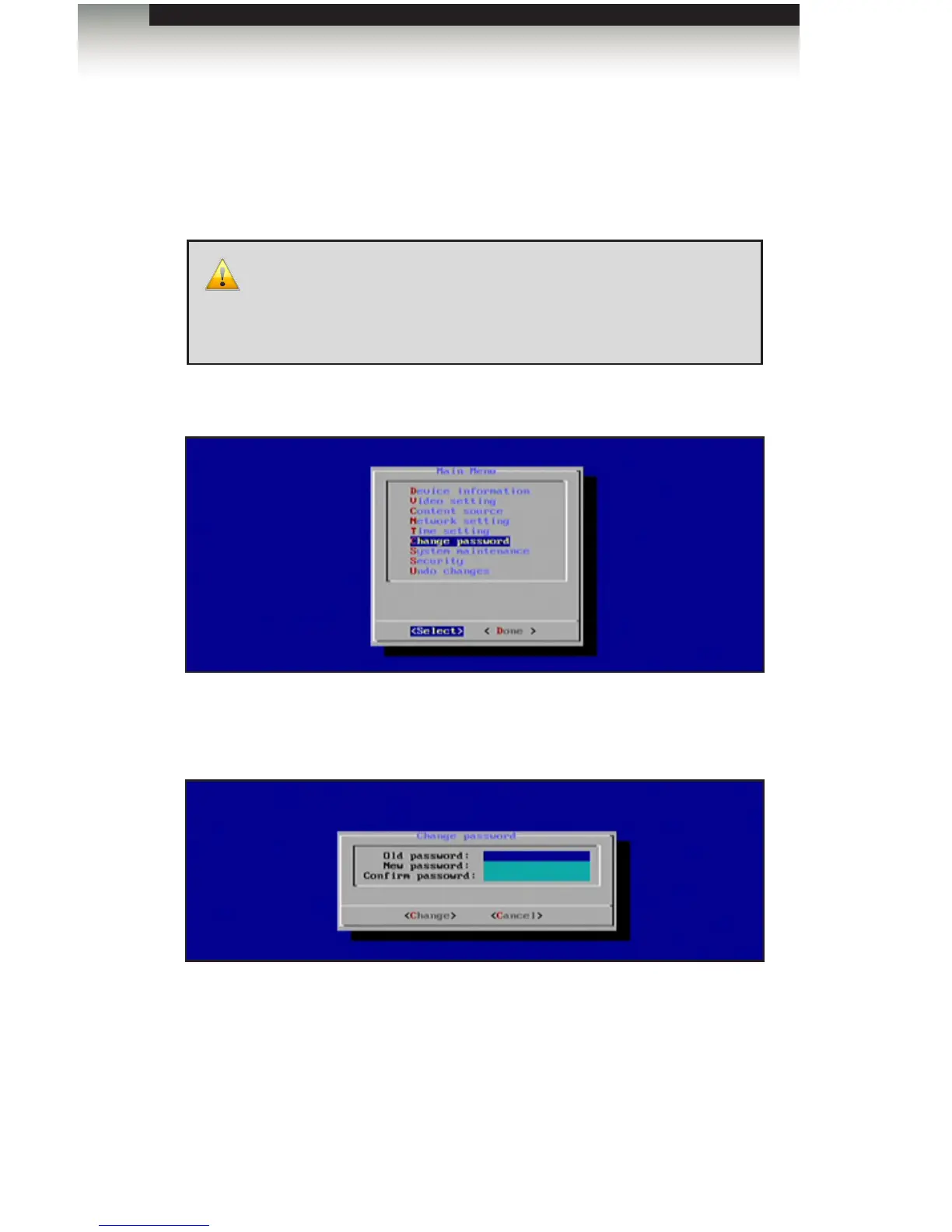
1. To set the password, highlight the Change Password option in the Main Menu and
press the Enter key.
2. Enter the password under the Change Password dialog. If no password
was previously set (or if the unit has been reset), then the Old Password
eld will be blank. Use the ▲ and ▼ keys to move between each eld.
3. Highlight the Change button and press the Enter key to conrm changes.
4. Select Done from the Main Menu to save the changes.
IMPORTANT: Once a password has been created, the Main
Menu can only be accessed by pressing [CTRL] + [ALT] + [DEL],
simultaneously. If you accidentally forget the password, the Digital
Signage Player will need to be reset. See Restoring Factory-Default
Settings for details.
Operating the Digital Signage Player with Wi-Fi Plus



 To Next Page