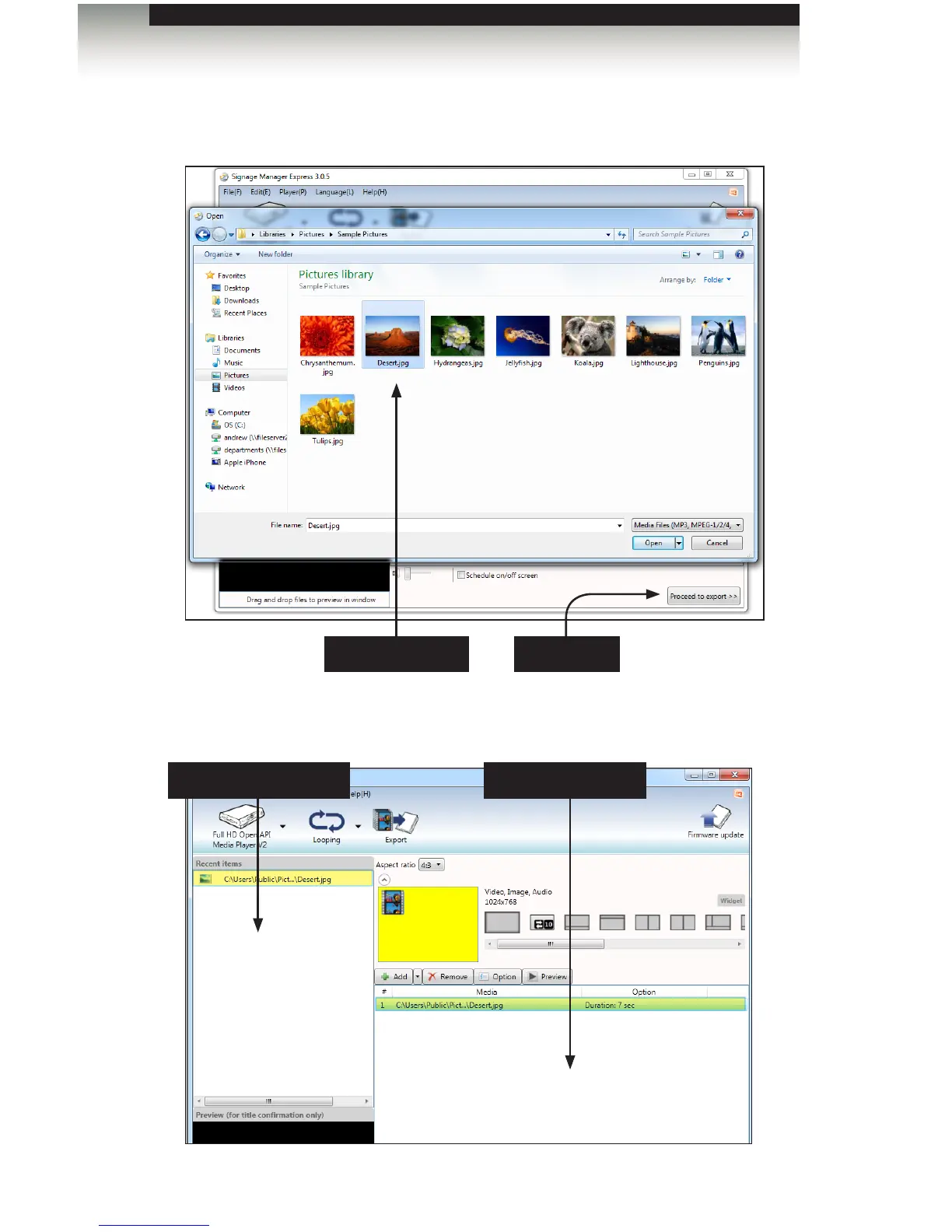
3. For this example, select an image on your computer. After the image has been
selected, click the Open button.
The selected image will now appear under the Recent Items window and the Media
Files window (highlighted in yellow).
Creating a Sample Presentation
page | 39
Click OpenSelect the image
Recent Items window Media Files window
Signage Manager Express Software



 To Next Page