page | 46
Creating a Sample Presentation
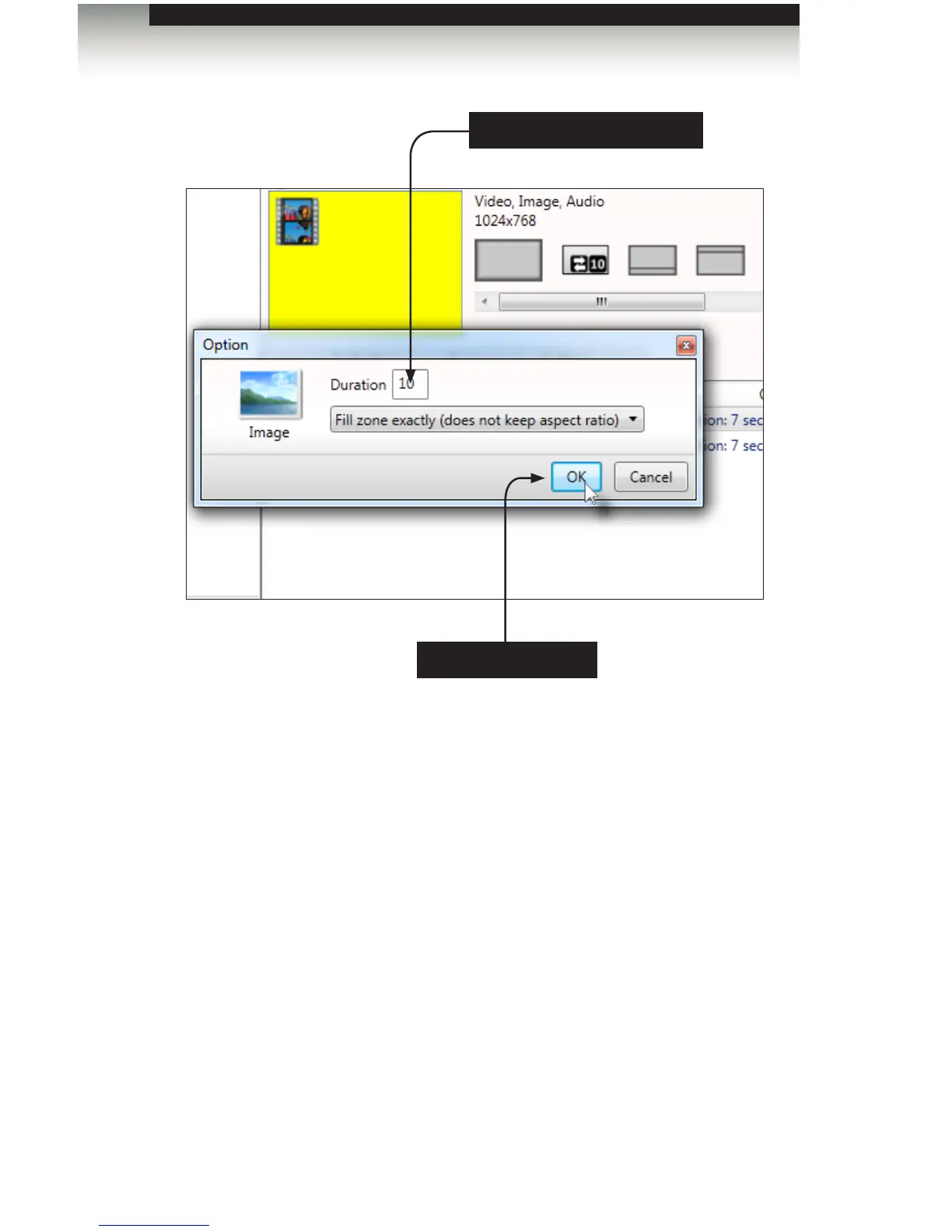
4. Click the OK button to save the time interval change.
5. Click the Proceed button at the bottom of the window. Then, click on the Proceed
button again, on the next window. The content on the Digital Signage Player will
be updated.
The rst image will be displayed for 10 seconds and the second image will be
displayed for 7 seconds.
Click to change time interval
Click to save changes
Signage Manager Express Software



 To Next Page