page | 56
Creating a Sample Presentation
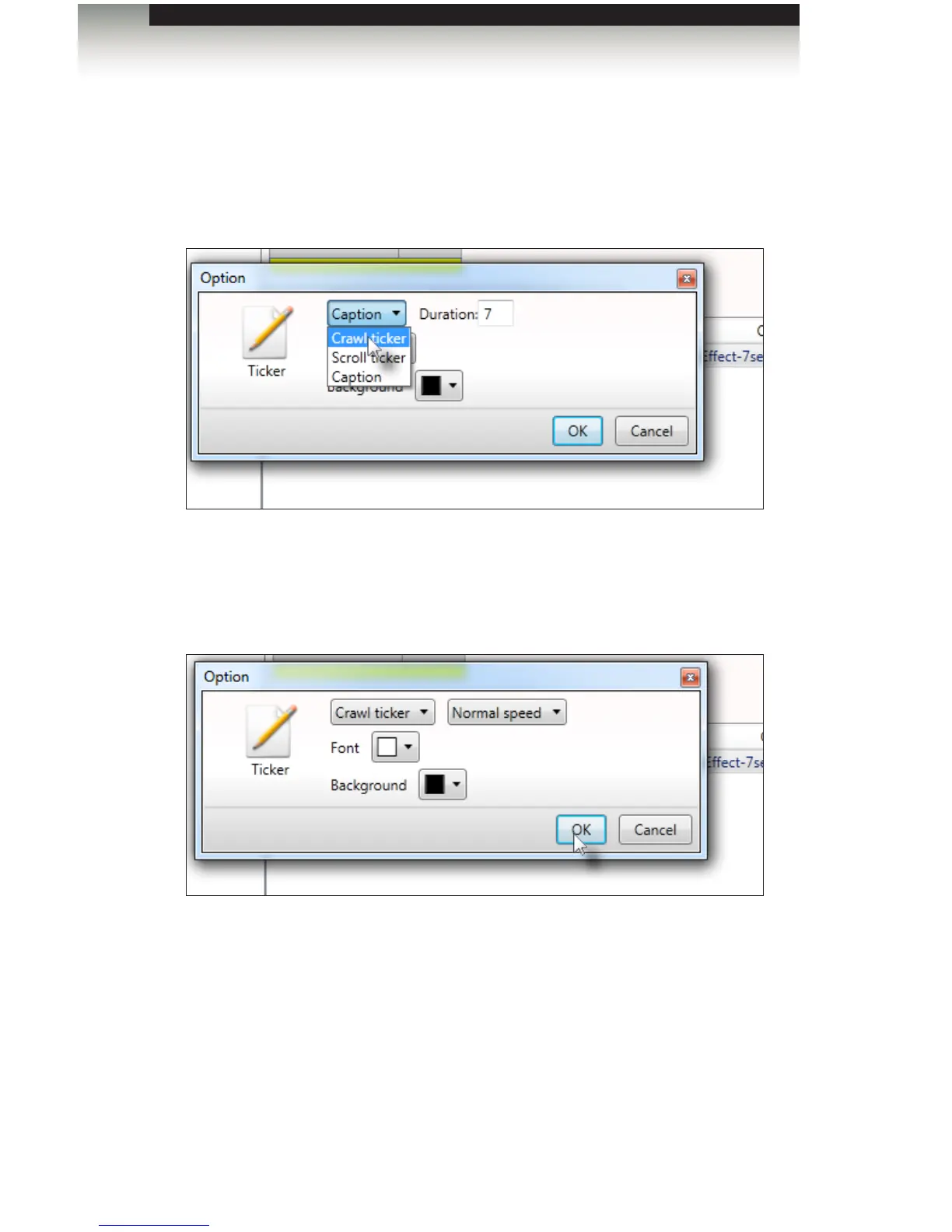
7. For now, leave the Font color white.
8. Select the Crawl ticker option and leave the speed set to Normal speed.
9. Click the OK button.
10. Click the Proceed to export button, then click the Export button on the following
screen in order to update the Digital Signage Player.
The Signage Manager Express provides access to additional colors that can be
used in your design. See the next page for more information.
Signage Manager Express Software


 To Next Page
 Loading...


