page | 58
Creating a Sample Presentation
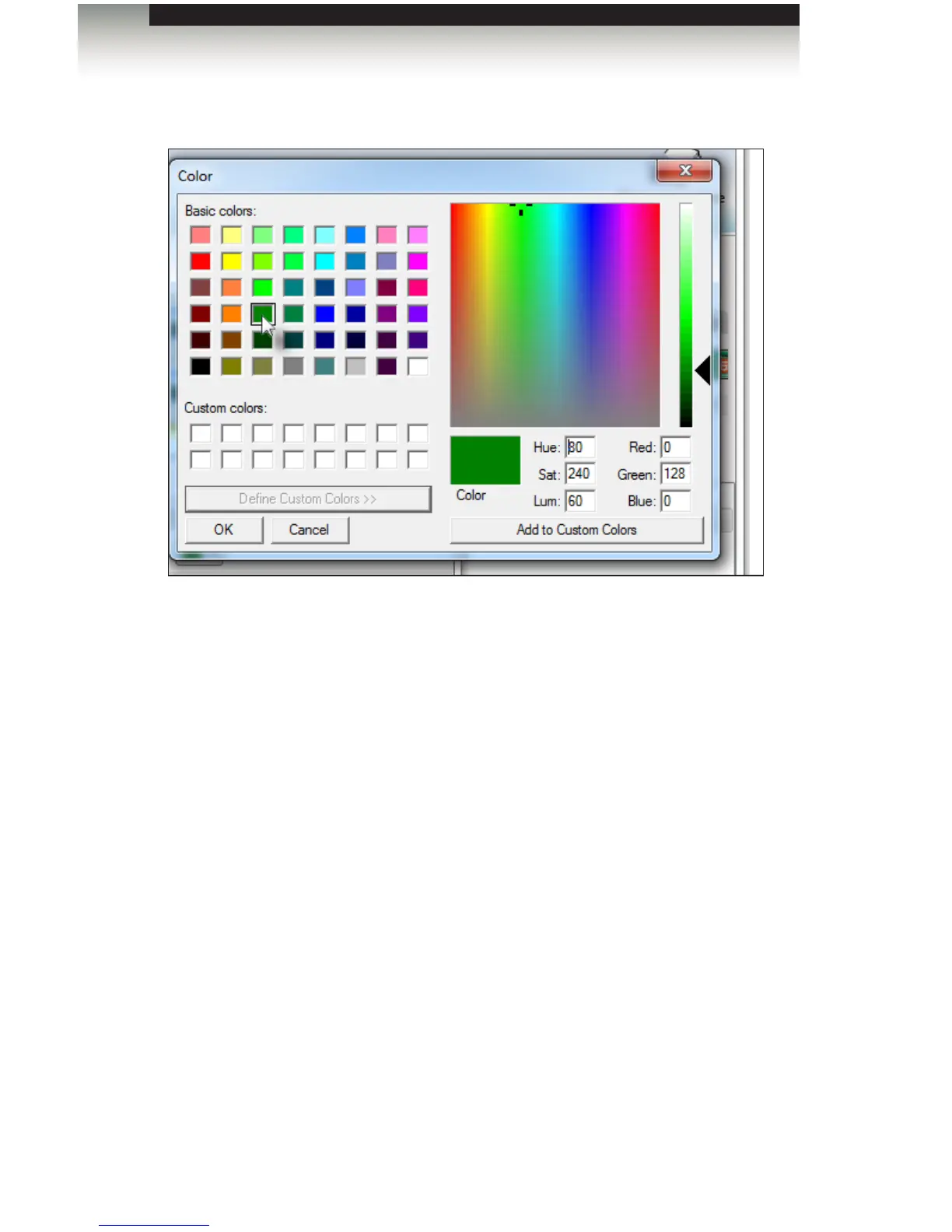
2. Click the mouse under the Basic colors palette to use the desired color.
If a custom color is required, then click the Dene Custom Colors button to display
the full range of available colors.
3. Click the mouse in the color palette to replace the selected color under the Basic
colors palette.
4. Click OK to use the selected color and return to the color pull-down list in the
Signage Manager Express.
Signage Manager Express Software



 To Next Page