page | 62
Creating a Sample Presentation
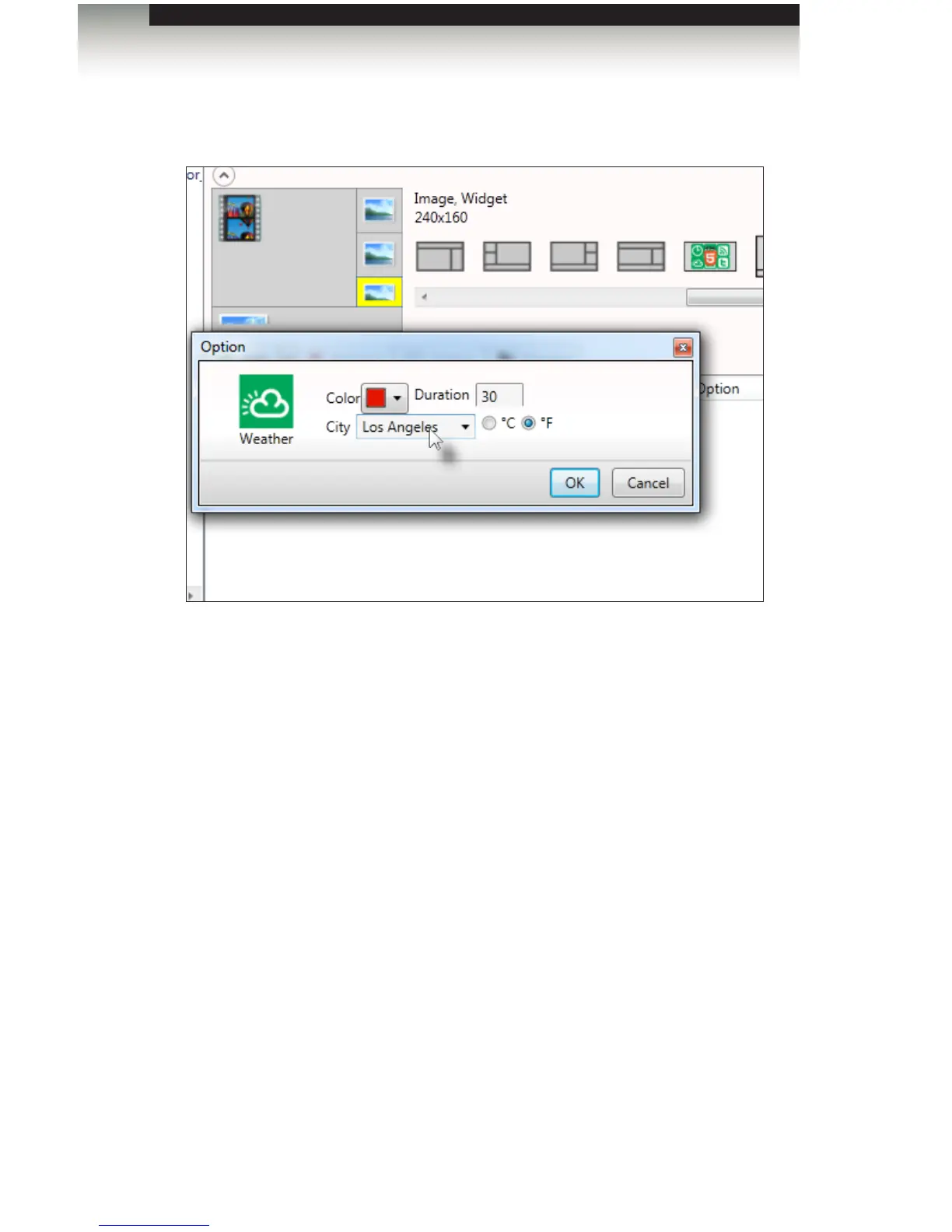
7. Select the lower right-hand corner area and add a weather widget. Set the color to
red in the Option dialog.
8. Select the city using the pull-down list. If the city/state/country is not listed, you can
type the location directly into the text eld.
9. Select either the Fahrenheit (F) or Centigrade (C) temperature scale by
clicking the associated radio button.
10. Click OK to close the dialog.
Signage Manager Express Software



 To Next Page