Chapter 3 - Setup 71
© 2018 Geist
GM1196 R-Series v5 Instruction Manual
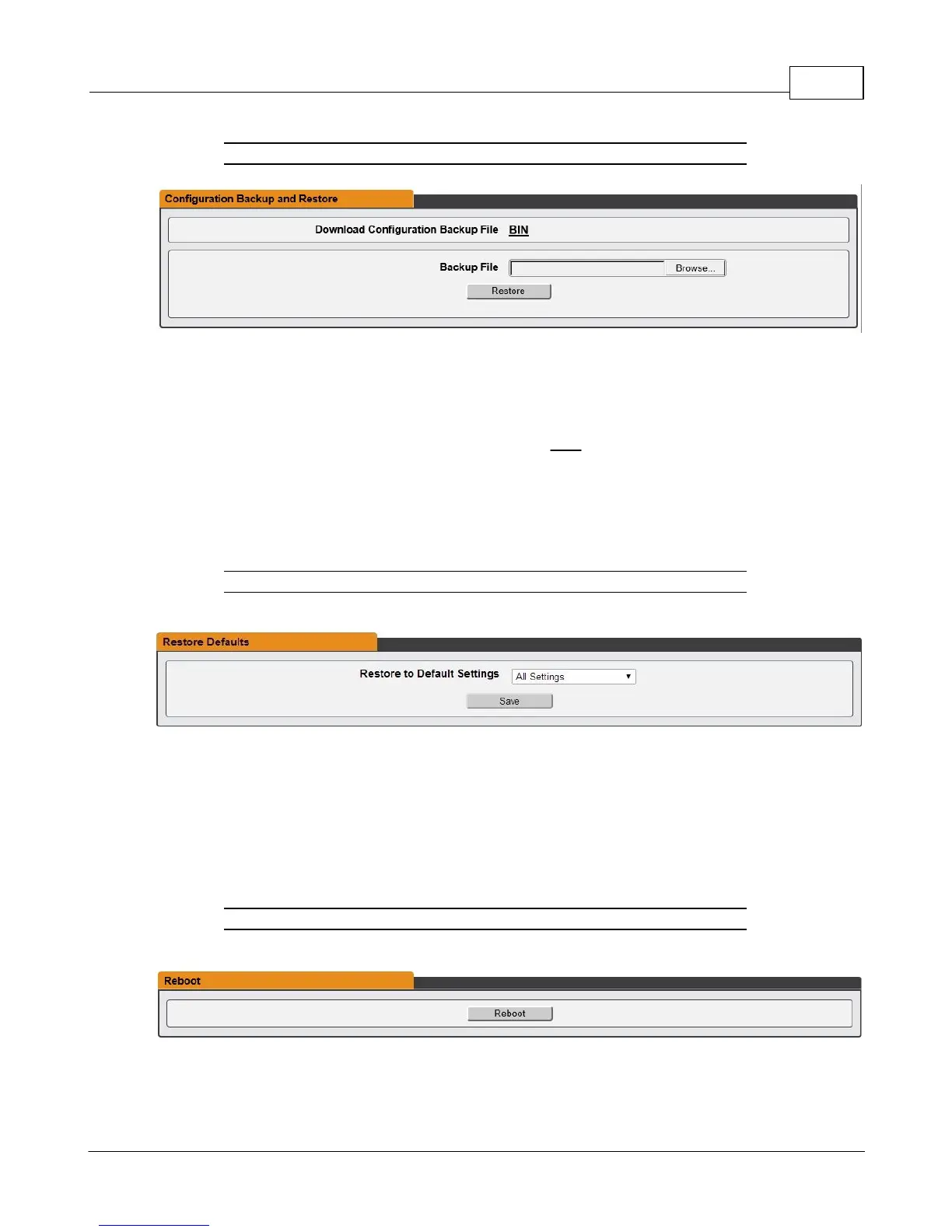
Figure 3-47 Configuration backup and Restore Page
The Configuration Backup and Restore section allows the user to backup the PDU
configuration file for future use in the case that the device is reset to defaults for any
reason.
To download the current configuration click on the BIN link and save the file to an easily
accessible location such as the local computer or a shared network folder.
To restore a device configuration, click the Browse button and locate the appropriate
configuration file and then click the Restore button.
Figure 3-48 Restore Default Page
The Restore Defaults section allows the user to restore the unit's settings to the factory
defaults. There are two options:
· All Settings: erases all of the unit's settings, including all Network and User Accounts
settings, effectively reverting the entire unit back to its original out-of-the-box state.
· All Non-Network Settings: erases all settings except the Network and User Accounts.
Figure 3-49 Reboot Page
The Reboot section allows the user to perform a system reboot. This function will not
affect power delivery to connected equipment.



 To Next Page