R-Series v5 Instruction Manual72
© 2018 Geist
GM1196 R-Series v5 Instruction Manual
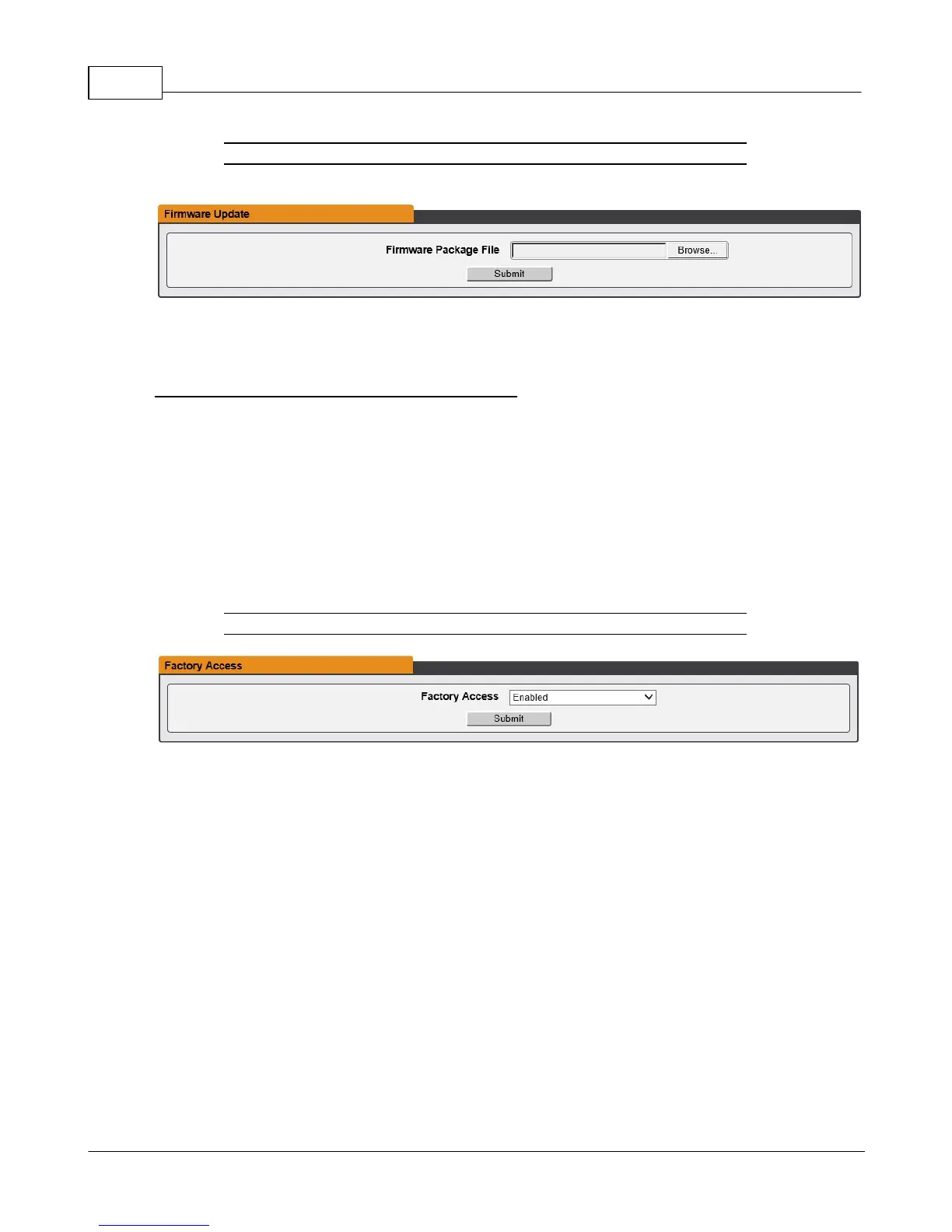
Figure 3-50 Firmware Update Page
Use the Firmware Update section to load firmware updates into the unit. Firmware
updates, when available, can be found on the Geist website:
http://www.geistglobal.com/support/firmware.
You can also subscribe to a mailing list, to be notified of when firmware updates become
available.
Firmware updates will typically come in a .ZIP archive file containing several files including
the firmware package itself, a copy of the SNMP MIB, a "readme" text file explaining how
to install the firmware, and various other support files as needed. Be sure to un-ZIP the
archive and follow the included instructions. Firmware updates will not affect power
delivery to connected equipment.
Figure 3-51 Factory Access Page
· Factory Access: Enabling Factory Access mode allows Geist support technicians
access to more in-depth diagnostic information. It is recommended that this option be
set to Disabled unless a Geist support member instructs you to enable it.



 To Next Page