第 3 页 共 16 页
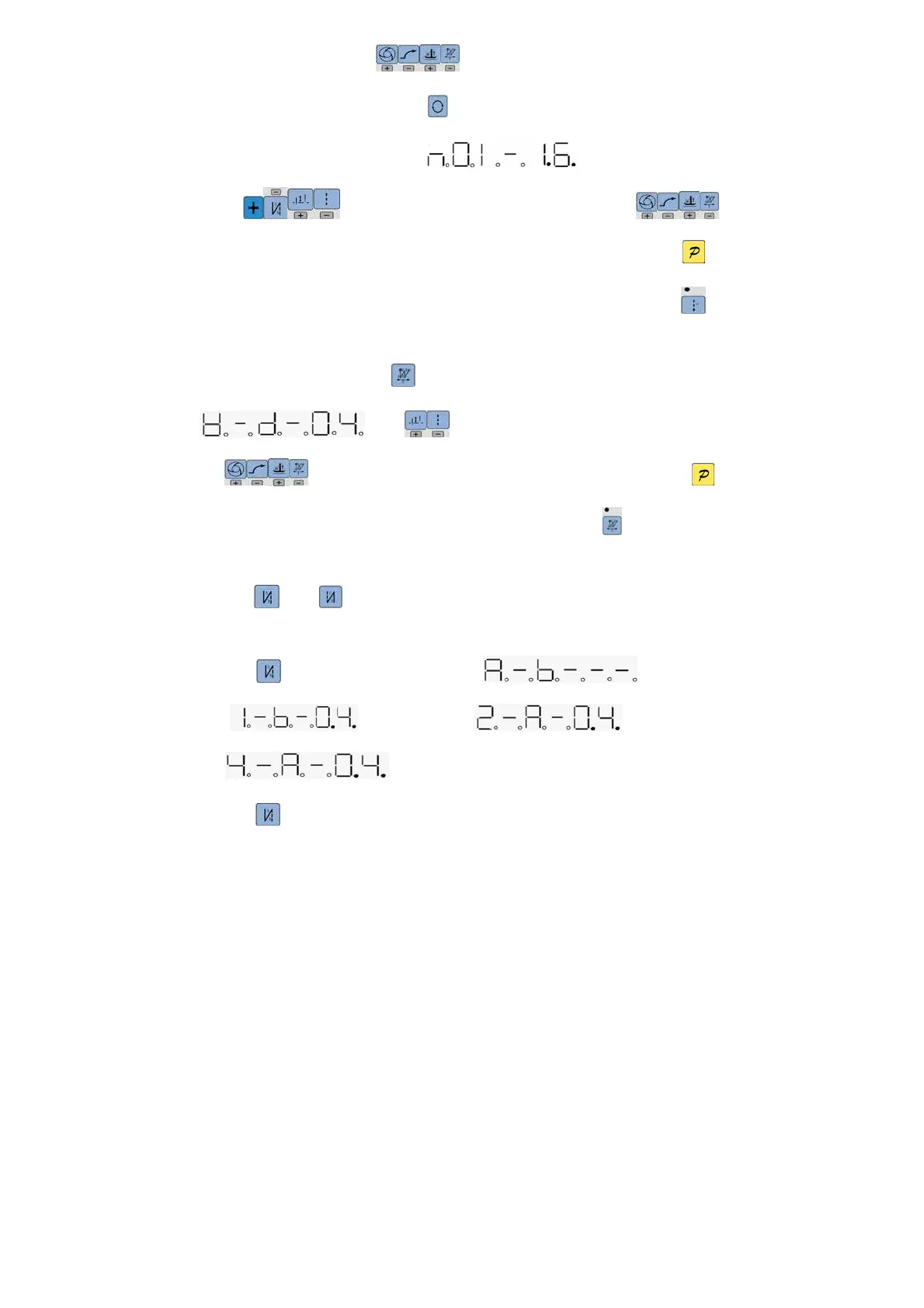
multi-segment sewing status。With (9、13、8、12)four keys to set Multi-segment sewing
mode (The highest 24 segment), then press2 key to entry multi-segment sewing stitch number of each
segment setup status and digital tube display 。
With (3、4、6、10)four keys to modify segment index, with (9、
13、8、12)four keys to modify multi-segment sewing stitch number of each segment. If press key to
confirm working, the digital tube is lit and display idle state. The LED at top left corner of the key is
lit if open multi-segment sewing mode.
W sewing mode : Press12 key, 8-segment LED will display W sewing status,
。Press (6、10)key can be used to choose A B D segment, and
use (9、13、8、12)to modify stitches of each segment. After confirmation, press key,
8-segment LED display will come back to idle, and LED on the top left side of key will be lit.
2.1.2 start/end back tacking setup:
If press 4 key or 5 key, 8-segment LED will display start back tacking status or end back tacking
status.
If press 4 key, it actives single start back tacking , double start back
tacking , quad start back , close start back
tacking .
If press 5 key , it actives single end back tacking, double end back tacking, quad end back, close



 To Next Page