第 11 页 共 16 页
2.3 Administrator Mode
In this mode, various solenoid parameters set can be regulated according to the practical need so that the servo
system can normally run on every sewing machine.
Parameters setting under technician mode:
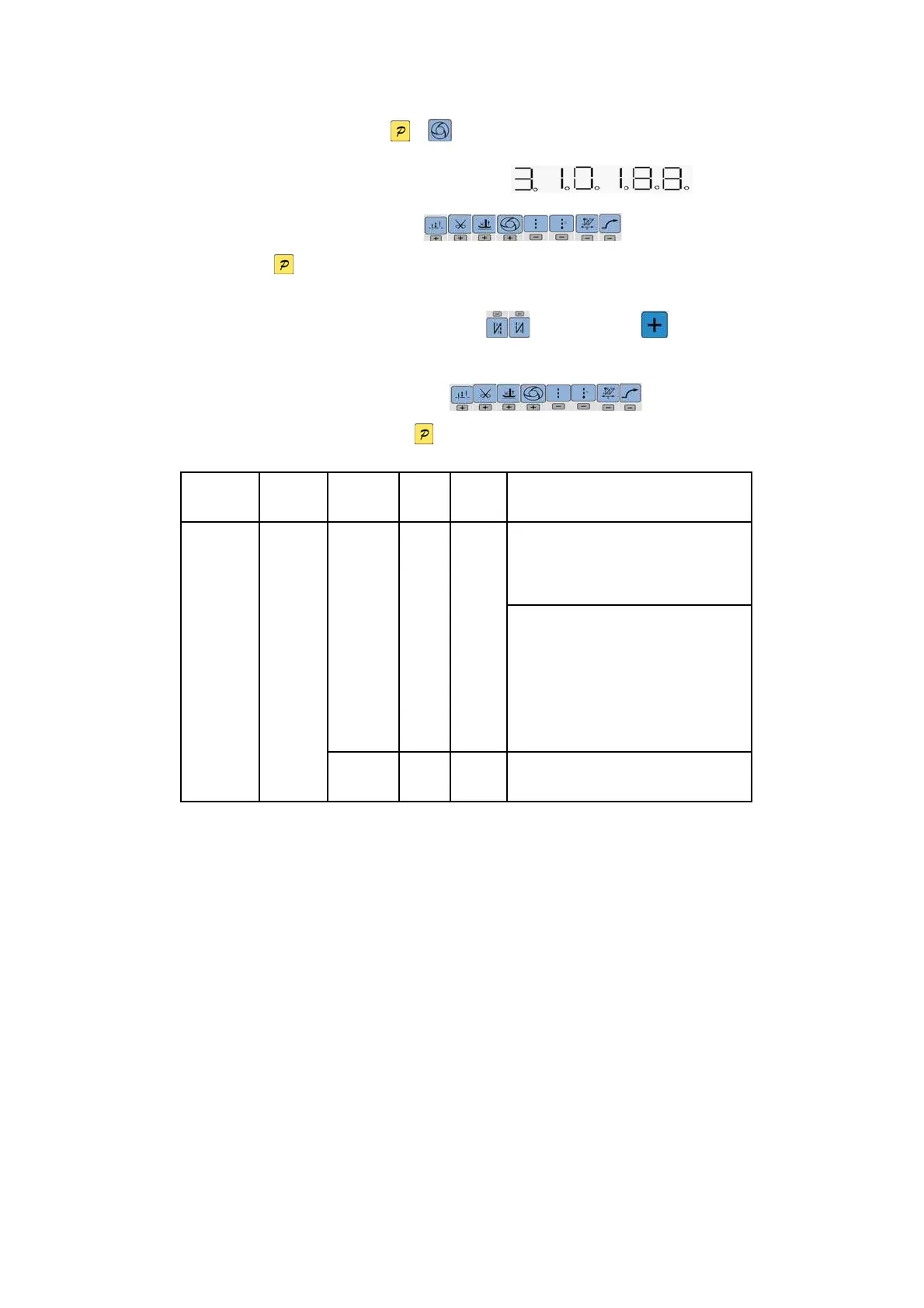
Step 1: Under operator mode, press and keys to enter administrator mode in LCD PD-0000,
The default password is 0000, and LCD display as .
Step 2: The password is entered using (6-13)keys, then
press key. If the password is correct, enter into the technician mode, or return to the operator
mode.
Step 3: Change administrator parameters index by (4、5)keys and keys under
administrator mode. The details of technician parameters are shown in table3.
Step 4: Parameters values can be changed by (6-13)keys.
Step 5: Under administrator mode, press key, the panel will return to operator mode.
Table 3: Administrator mode parameter:
Parameter
High byte
Parameter
Low byte
Default Rang Comment
Mode selection for trimming sequence.
0:According to the parameters 【03】 set angles
is trimming, until up position delayed【06】time off.
2
1
0/1/2
/3
1:According to the parameters【03】set angles is
trimming, until【04】set angles off.
2:According to the parameters【03】set angles is
trimming, it delayed 【06】off.
3:Down position signal delayed the parameter【05】
set angles is trimming, it delayed 【06】off.
Trimming
mode
0
3 10 5 -359
The start angles of trimming (r e lative down
position of angle)



 To Next Page