10-1562 Issue 3-7 March 2014 21
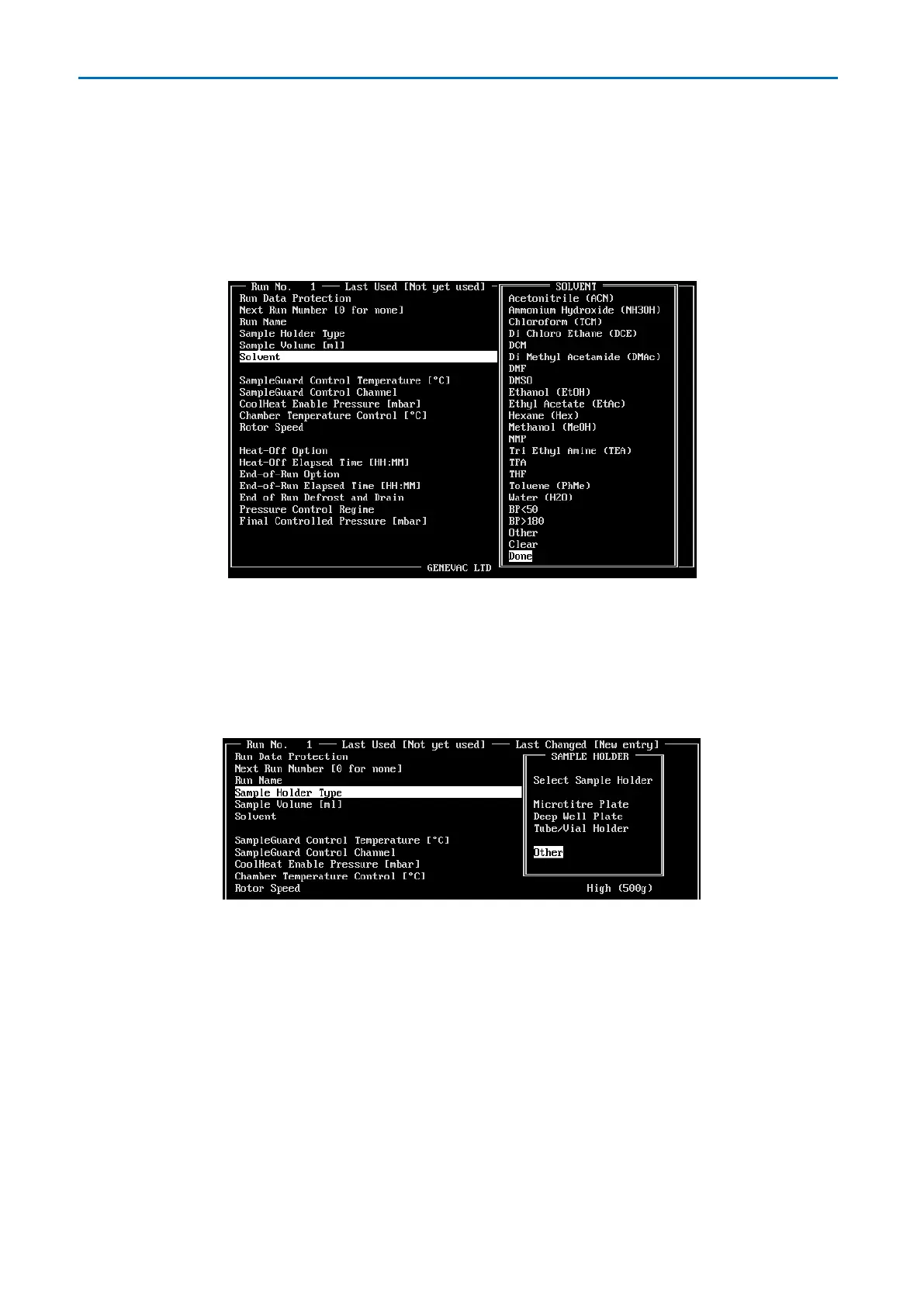
Solvent
Commonly used solvents can be selected from the window that opens (more than one
solvent may be selected if using a mixture). Once selected, solvents are highlighted in blue.
Select Done when the solvent or solvents have been selected. For solvents that are not
listed, select Other and enter the solvent name manually (no more than 31 characters).
Sample Holder Type
Select a sample holder type from the window that opens. If the required sample holder
option is not available, select other and enter the details (up to 31 characters).


 To Next Page
 Loading...






