28 10-1562 Issue 3-7 March 2014
Run log
The Run Log screen allows sample drying progress to be monitored during the evaporation
process; information is presented numerically with relevant data also presented graphically
to reveal change trends in real time.
Numerical values are shown for:
Channel 1 Temperature: SampleGuard channel 1 probe
Channel 2 Temperature: SampleGuard channel 2 probe
Chamber Temperature: temperature of vacuum chamber wall
Condenser Gas Temperature: temperature of the condenser coolant gas
Pressure: vacuum chamber (and condenser) pressure
Spin Rate: rotor speed
Total: time elapsed since run started, including completed linked stages
This Stage: time elapsed since start of current stage, changes to End of Run or End of
Stage and begins to count down when final run time is known.
Graphical display for:
Channel 1 Temperature
Channel 2 Temperature
Chamber Pressure: Logarithmic scale
Spin rate
Options menu
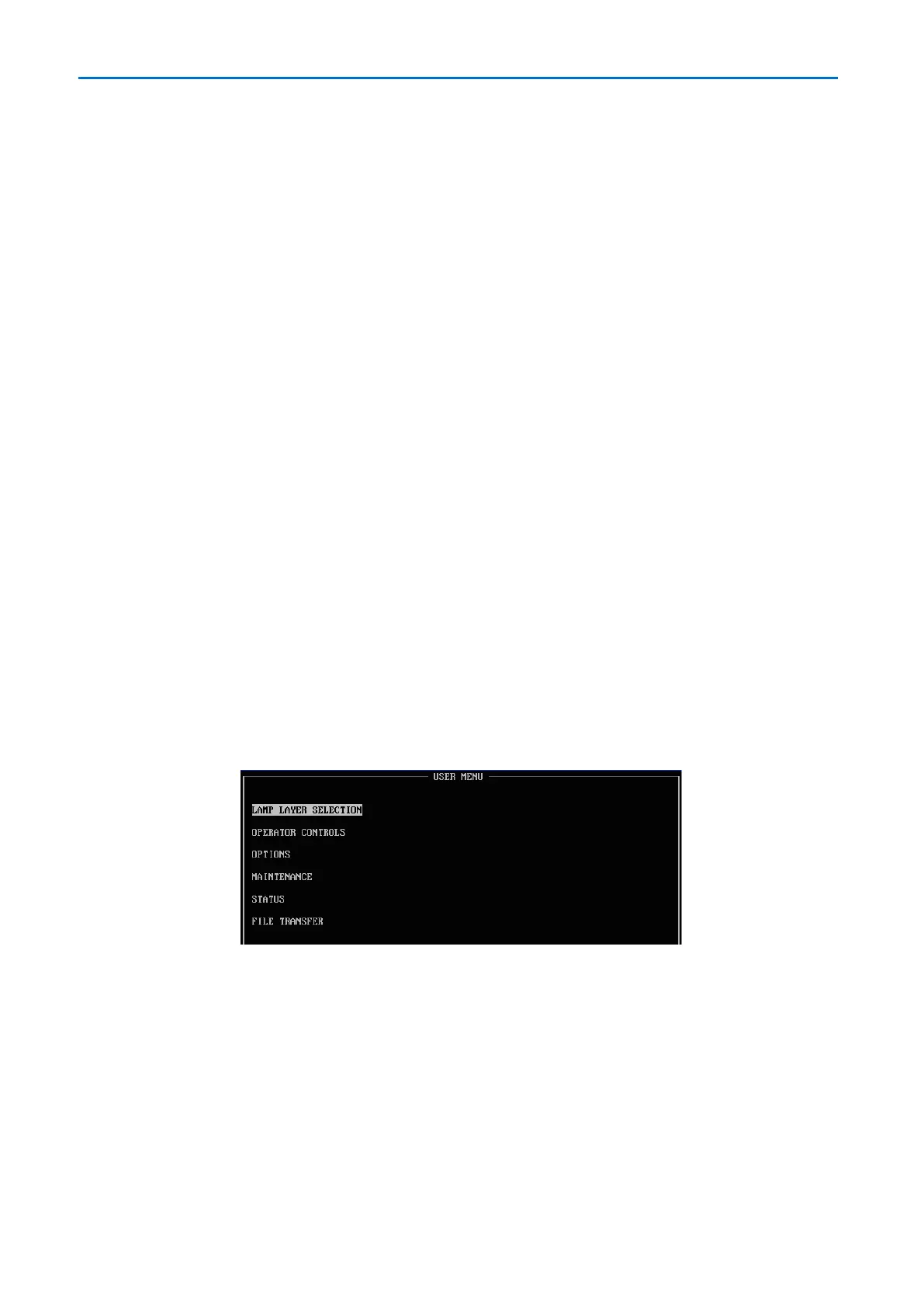
Select OPTIONS from the horizontal menu bar, the following options appear:
Lamp Layer Selection: disable lamp layers if second or third rotor levels are not used.
Operator Controls: opens the Controls Menu:.
o Keypress Beep On / Off: turns off the key-press beep response.
o User Intervention Beeps On / Off: turns off the user-intervention beep response.
o End of Run Beeps On / Off: turns off repeating end of run alarm.
Options: enable Auto Shutdown and Pre-Run Checklist.
Maintenance: for engineer use only.
Status: displays information for fault diagnostics.
File transfer: transfer methods or log files to USB data key.



 To Next Page