• Depending on configuration, right after power-up
an alarm/tamper may be indicated.
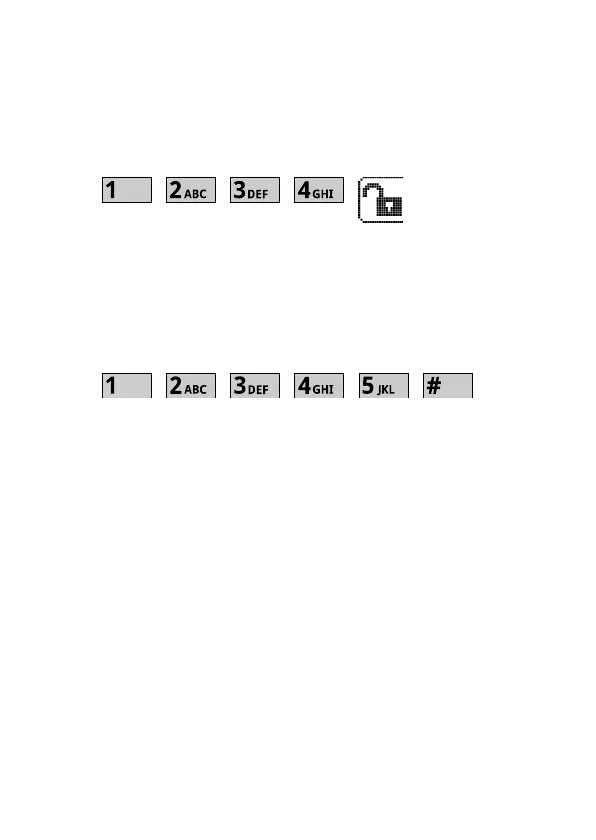
• In this case it is necessary to perform alarm restore
by entering the following sequence on the keypad:
• Panel programming with the keypads is performed
using service mode. Entering service mode is
achieved by entering installer code followed by „#”
key:
The panel will confirm service mode by the LED
general indicator lighting orange, and single
beeps every 30sec.
This indication will last as long as the panel per-
sists in a service mode.
• First action after entering service mode shall be reg-
istration of keypads and expansion modules. This
can be performed by selecting Hardware > Modules
registration menu
The keypad will display confirmation screen to register
modules. Answer „Yes” to confirm.
NOTICE



 To Next Page