Plotter Adjustments 59
5. Turn on the plotter.
6. Rotate the cam shaft by hand until the lift fork reaches its
highest point.
7. Tighten the pulley clamp.
8. Remove the carriage cover over the tool force housing.
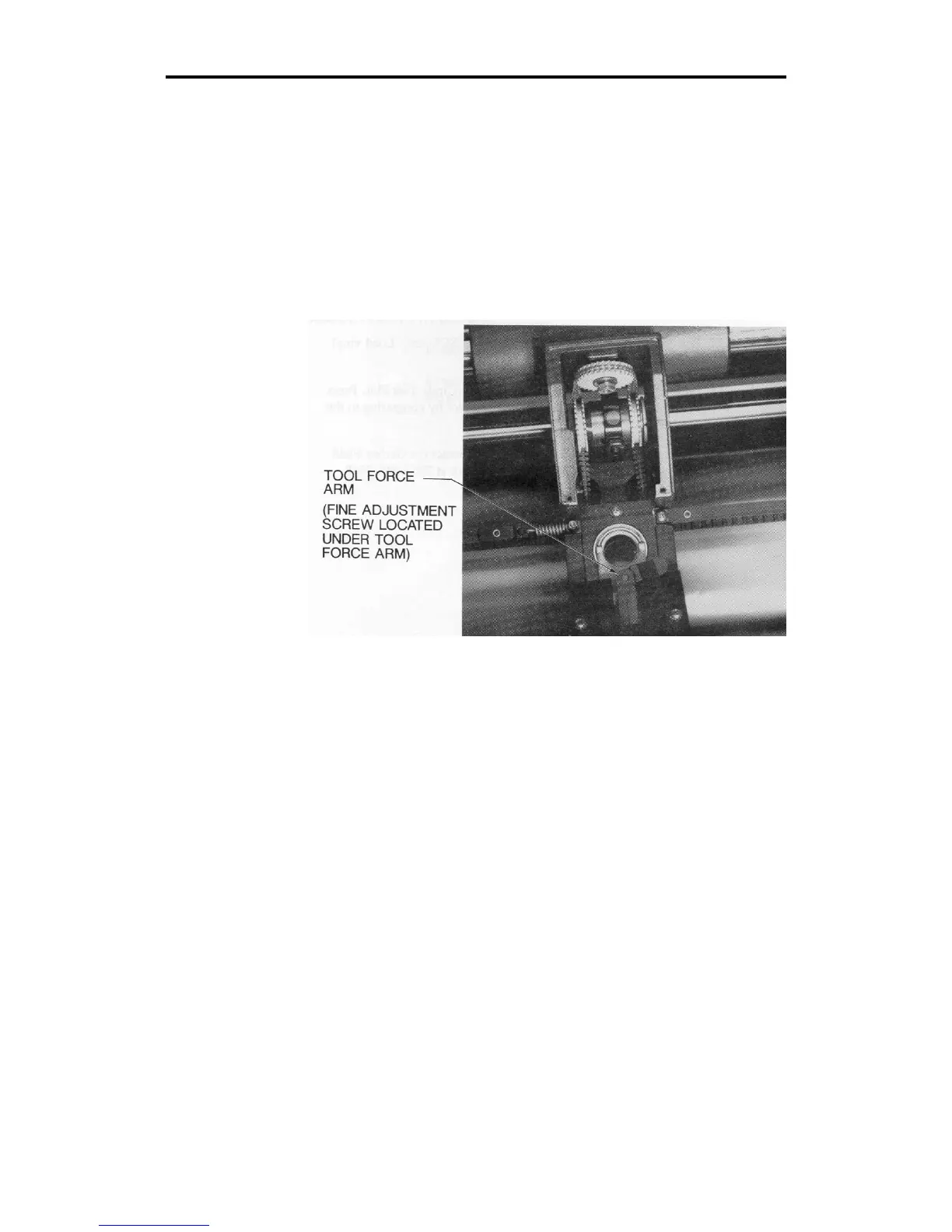
9. Locate the tool height fine adjustment screw on the center of
the lifter assembly under the tool force arm.
10. Raise or lower the lifter fork by turning the fine adjustment
screw until the top of the lift fork is approximately 17/64" (6.7
mm) from the spindle assembly.



 To Next Page