62 GS750
plus
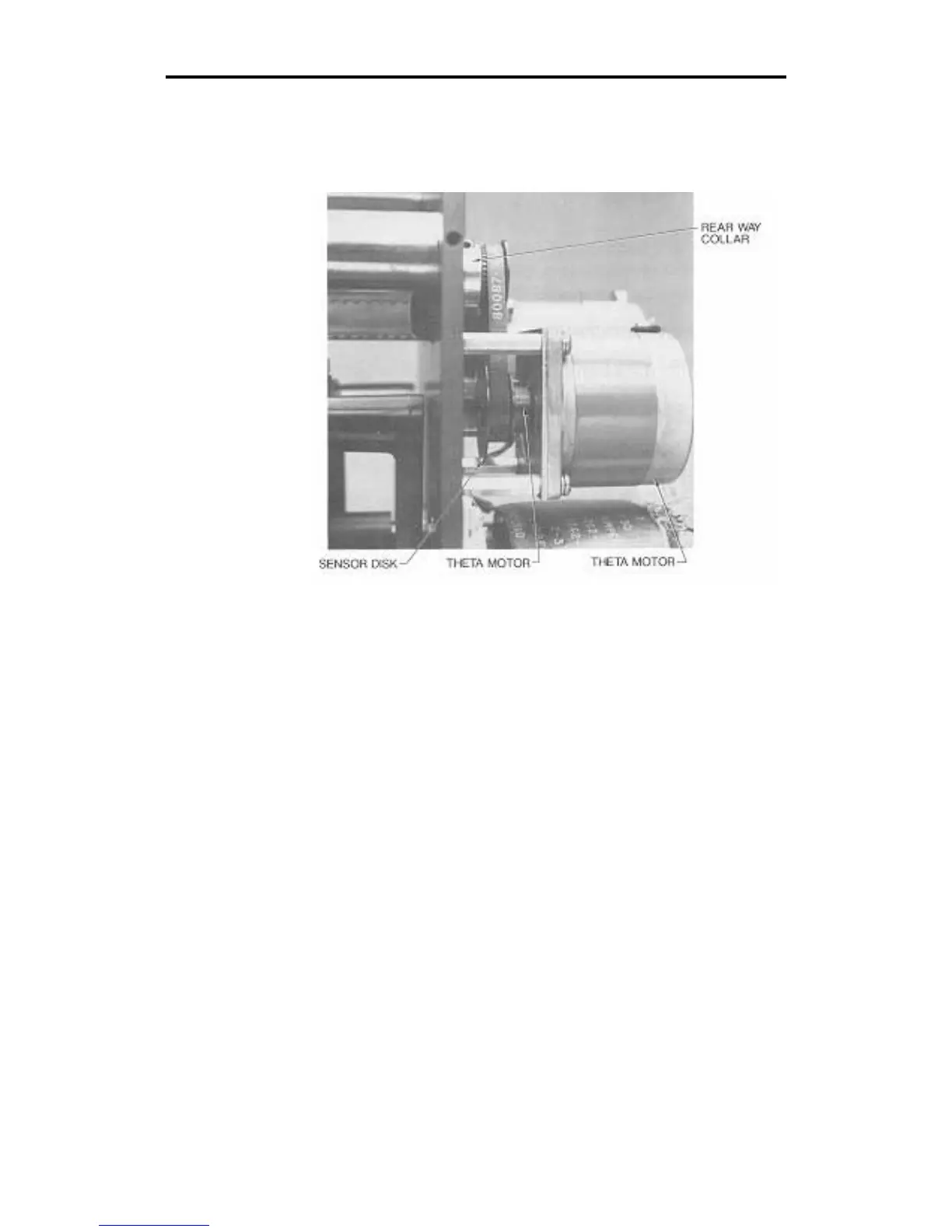
3. Locate the theta motor collar clamp, which is directly behind
the theta motor. Rotate the rear way to find the screw in the
motor collar clamp, and use the Allen wrench to ensure that
the screw in the collar clamp is tightened securely.
4. Then hold the RESET key down and turn on the plotter power.
Access the Theta Axis Lock diagnostic by pressing the down
arrow key. This locks the theta axis.



 To Next Page