56 -
CONTROL UNIT
The various states of the buttons
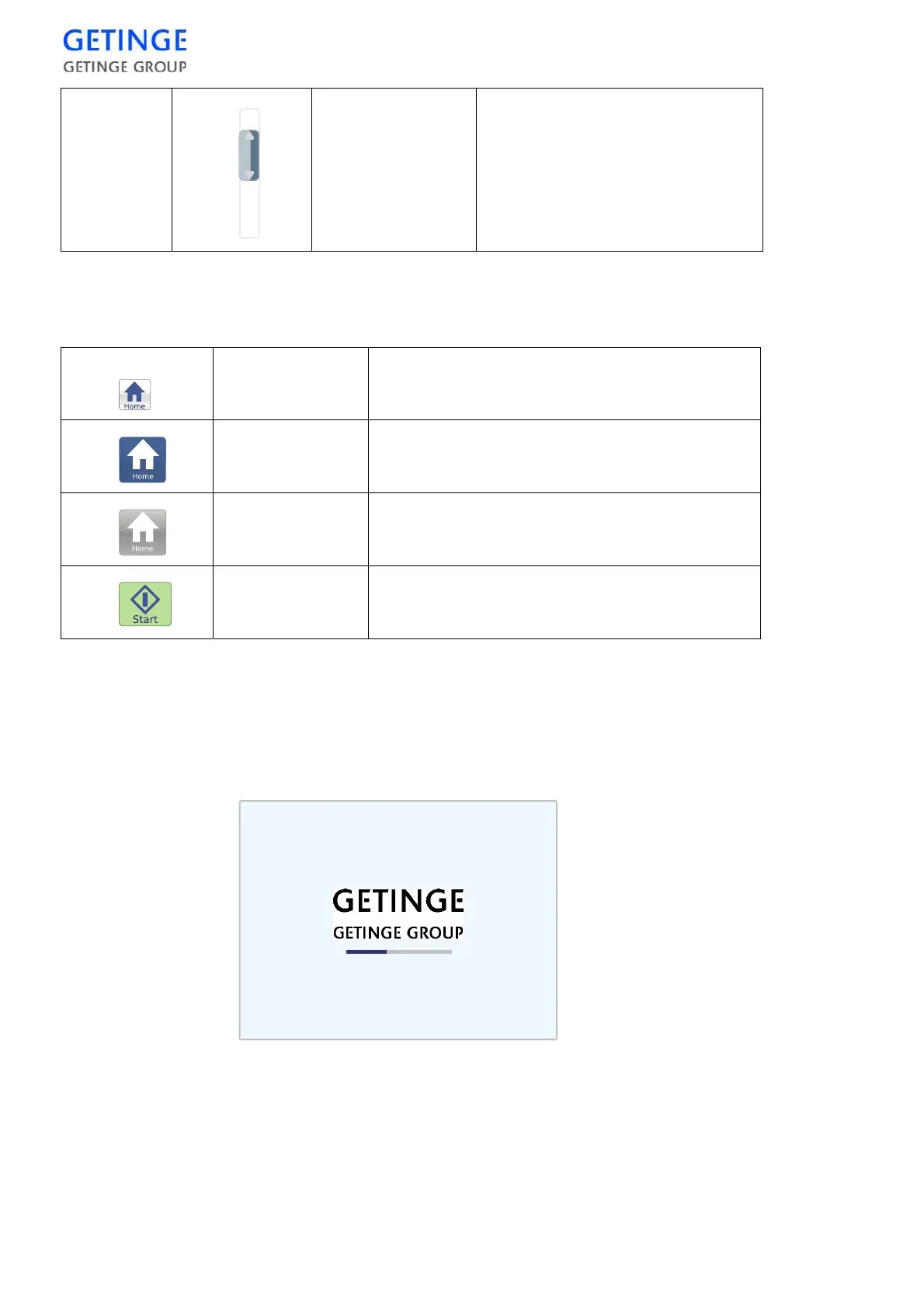
Boot screen
When the panel starts, the screen below displays. The blue bar moves
from left to right. When the panel is ready and the control system is
ready, the panel automatically switches to the pie chart screen.
In case of communication errors between the panel and the operating
system, the blue bar travels back and forth. There is no communication
with the operating system as long as this screen displays and no
command can be sent to the operating system.
Call a service technician.
Scroll list If there are more rows than space
available on the screen, a scroll list
is displayed on the right. To reach
the row above or below, just drag
the button.
Active The button can be pressed
Pressed The button is pressed.
Not available If the symbol remains, the button is currently not
available.
Ready to start The cycle can be started.








 To Next Page