64 -
CONTROL UNIT
In order to enlarge the graph, press
Zoom in
. When the graph is enlarged
it is possible to navigate by pressing somewhere on the screen and then
dragging with a finger.
Details Graph
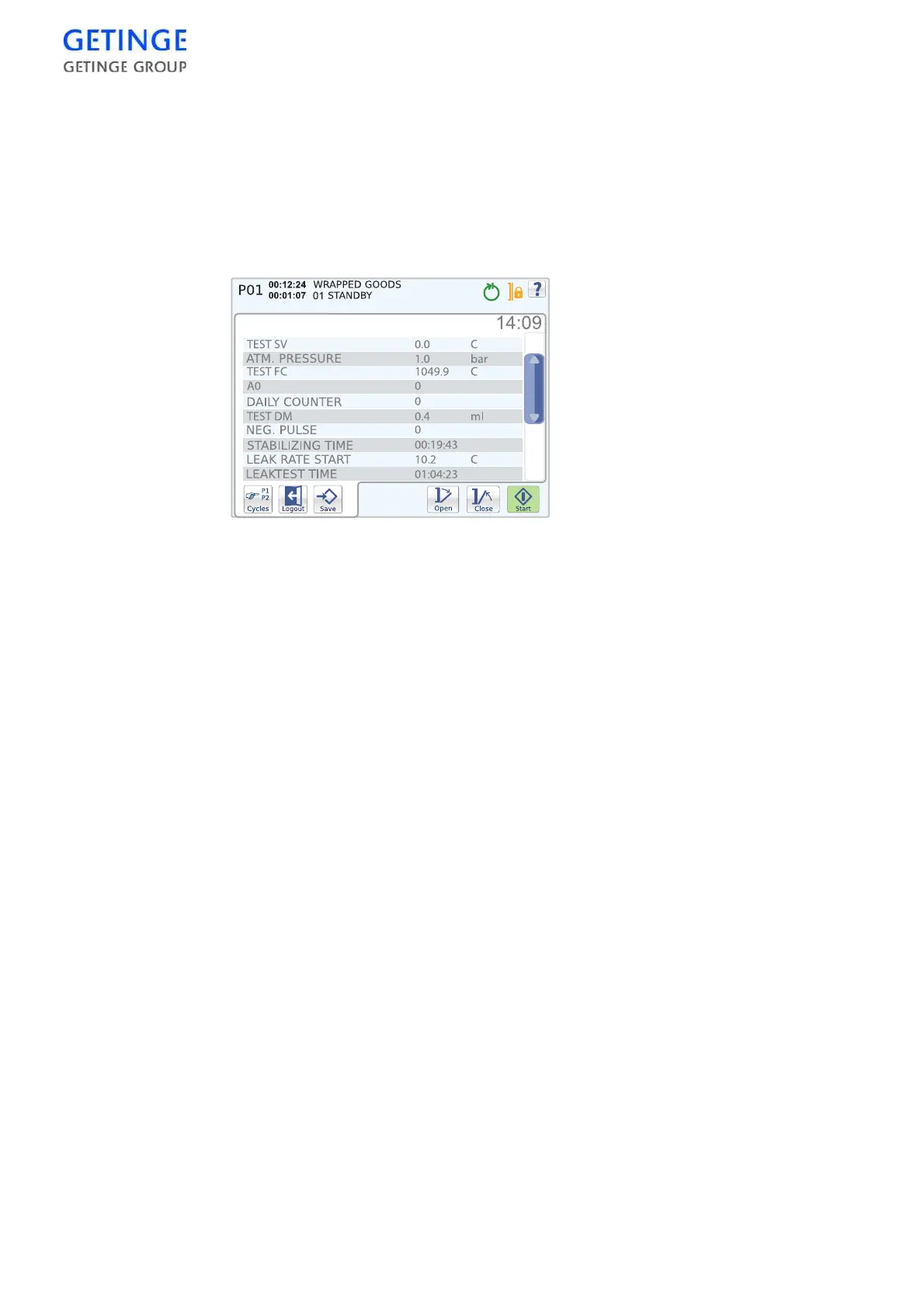
The start screen displays a list of parameters that shows information
about the system and the current cycle. The remaining cycle time is
displayed on the top right-hand side, above the list.
Documentation
An pull-down menu with optional printout modes is displayed. The
possibility of choosing printouts varies depending on the user.
The following printout modes exist:
•
Print last cycle, latest cycle run.
•
Print alarm list, list of the most recent alarms. Password required.
•
Print cycle
A list of optional print cycles is displayed. To print, select the print
cycle of your choice and press
Printout
. Password required.
•
Print test page
•
Print all cycles. Password required.
•
Print machine setup. Password required.
Note! It is not possible to print during the current cycle.
Alarm history
A list of the last 20 alarms is displayed.
For more detailed information about an alarm, press the alarm you wish
to select.








 To Next Page