38
PPPoE (ADSL)
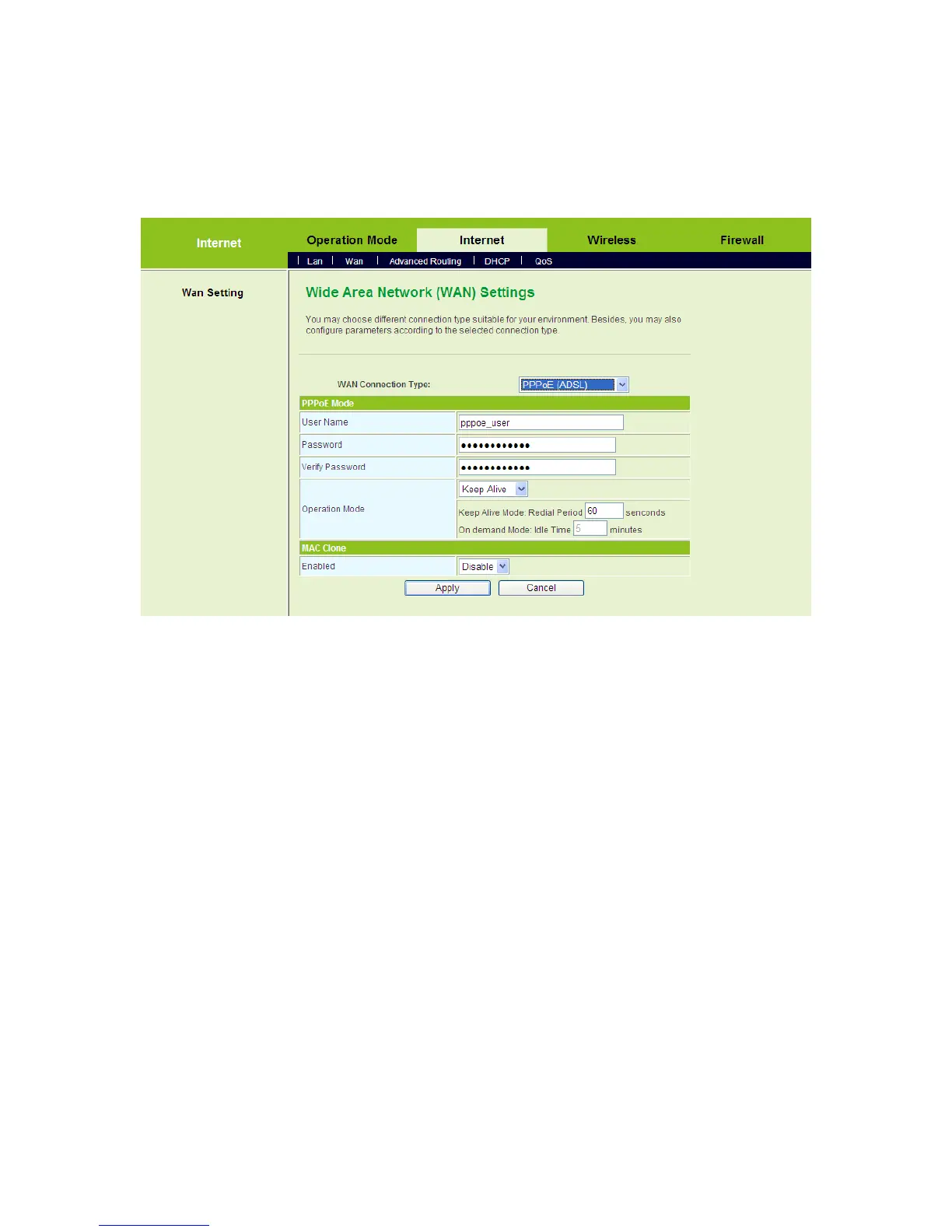
If you want to use PPPoE service, please select PPPoE (ADSL) connection type. On
the Wide Area Network (WAN) Settings page, select PPPoE (ADSL) as the WAN
connection type, and the following page appears.
On this page, enter the username and the password provided by the ISP, and set the
value of the Keep Alive mode. You can also use the default value of the Keep Alive
mode.
After finishing the settings, click the Apply button to apply the settings.
L2TP
If you want to use L2TP service, please select L2TP connection type. On the Wide
Area Network (WAN) Settings page, select L2TP as the WAN connection type, and
the following page appears.



 To Next Page