13 TOOLS
The tools mode contains app-like utilities and features like an On Stage mode, PDF Reader,
an Import Tool for sound samples and a File Manager. Tapping an icon in the Tools menu
will open the associated application. See the following table for icons associated with the
tools available:
13.1 ON STAGE
With the On Stage tool it is possible to compile important information around a song such
as drum kit (sound), metronome, backing tracks and pdf charts, and make altogether
available by tapping on one of the numbered tiles. This way you can avoid time consum-
ing adjustments on stage and between the songs.
The On Stage screen always displays 8 tiles which can be saved as preset setlists and which can be
loaded one after the other as the gig progresses. A setlist always consists of 8 tiles, representing 8
songs.
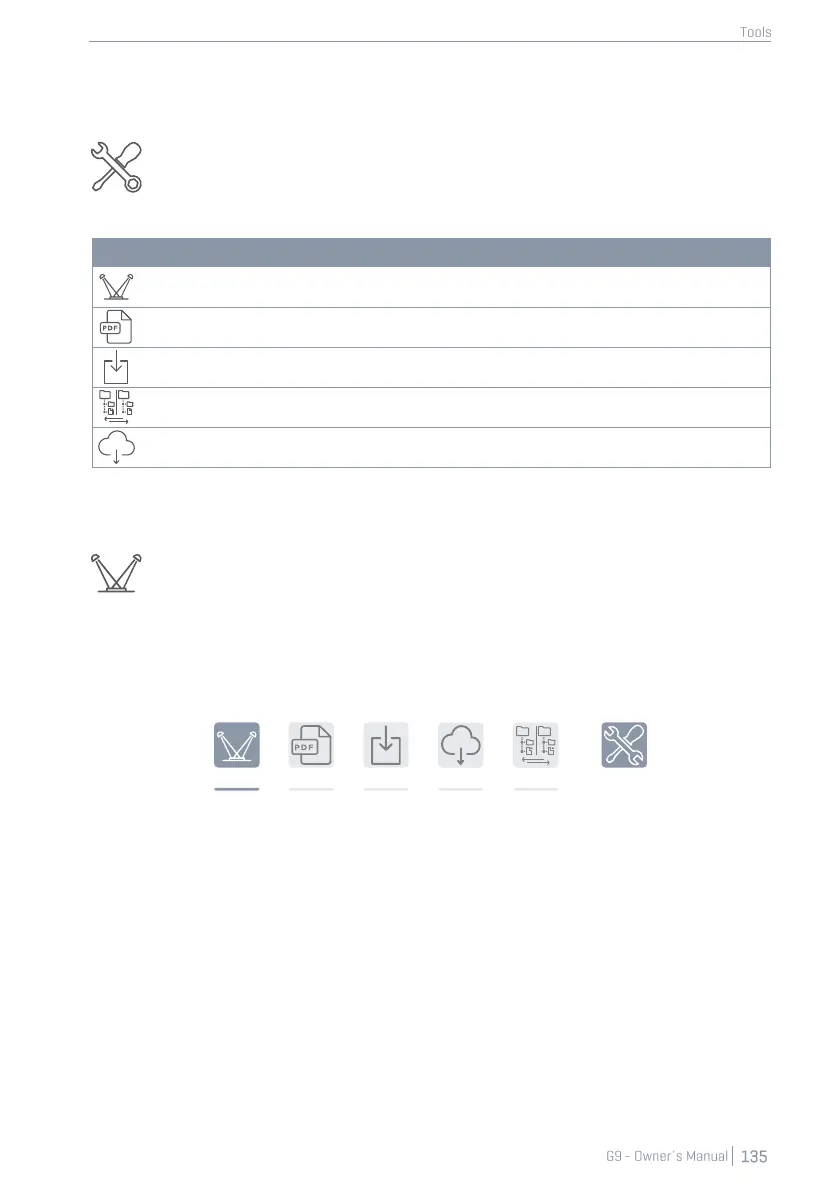
To open the On Stage tool, tap the [Tools] mode icon and tap [On Stage].
This opens the default On Stage screen:



 To Next Page