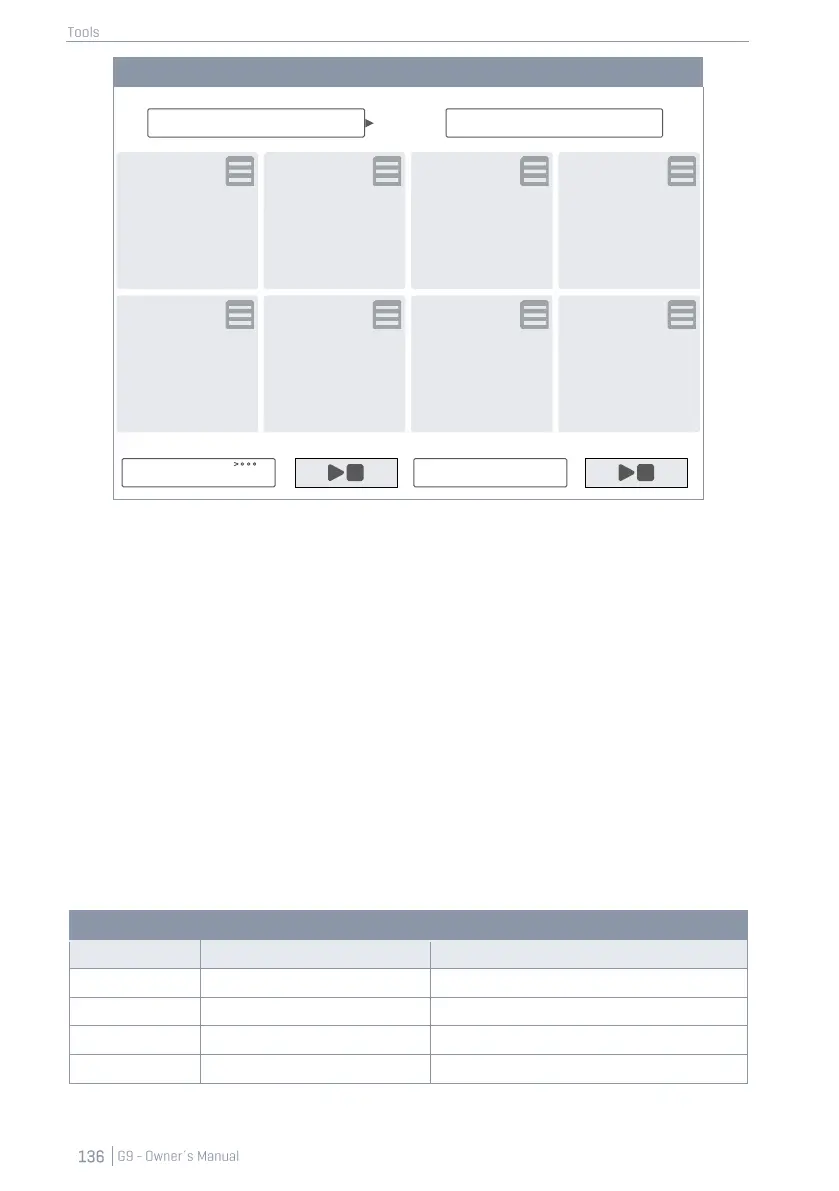
The following sections will focus on editing tiles, managing setlists and working with setlists on stage.
13.1.1 TILES – ASSIGNABLE MEDIA TYPES
While editing a tile you can specify settings and files for the following 4 types of media, which will be
loaded when tapping on the tile number outside the edit mode:
• Drum Kit Name
• Metronome Tempo
• Backing Track (Song Player)
• Pdf files (Lead sheets or Charts)
The fields on screen associated with these media types will display the current tile expressions speci-
fied for each type. In edit mode you can tap these fields to change the properties of the tile.
This will open the standard dialogues associated with a media type. In this section we won´t go into
depth about these browsers again. See the following table for the dialogues implemented and the
chapter where their functioning is explained in more detail:



 To Next Page