13.1.2 EDITING TILES – ASSIGN EXPRESSIONS FOR MEDIA TYPES
In preparation, please tap the [Setlist Editor] field and load the preset Blank Sheet by double tap-
ping on the preset name. This will load an empty setlist with default values. The proceeding de-
scribed in the following applies to creating new presets using the blank sheet preset as well as edit-
ing tiles of any other existing setlist.
With an adequate setlist loaded, proceed as follows:
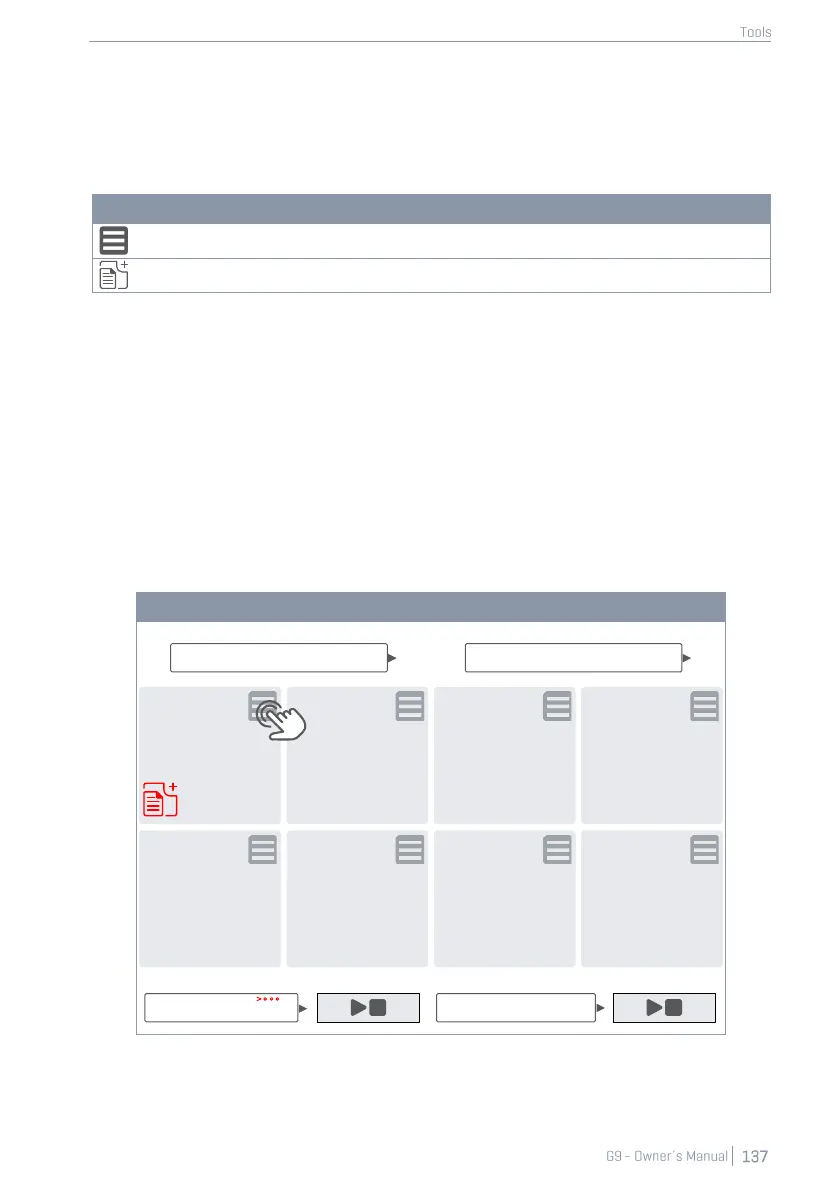
1. Tap on the [Edit] button in the top-right corner of a tile.
2. Tap the fields that have changed color.
a. Drum Kit
b. Metronome
c. Song Player
d. Attach Pdf button
3. Specify the expression of media types in the browsers that open.
4. Exit the tile edit mode by tapping the [Edit] button again.
5. Tap the next tile number and repeat steps 1-4.
6. When having edited maximally all 8 tiles on screen, save the tile set as a Setlist (see the
next section on set lists).



 To Next Page