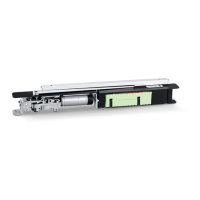
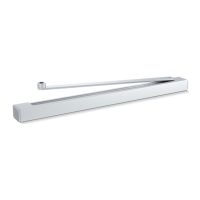
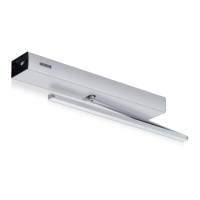
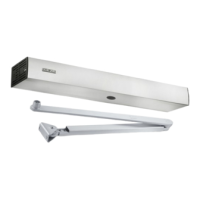
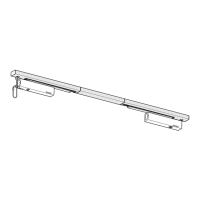
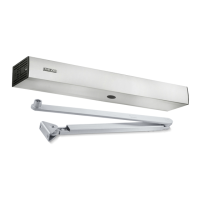
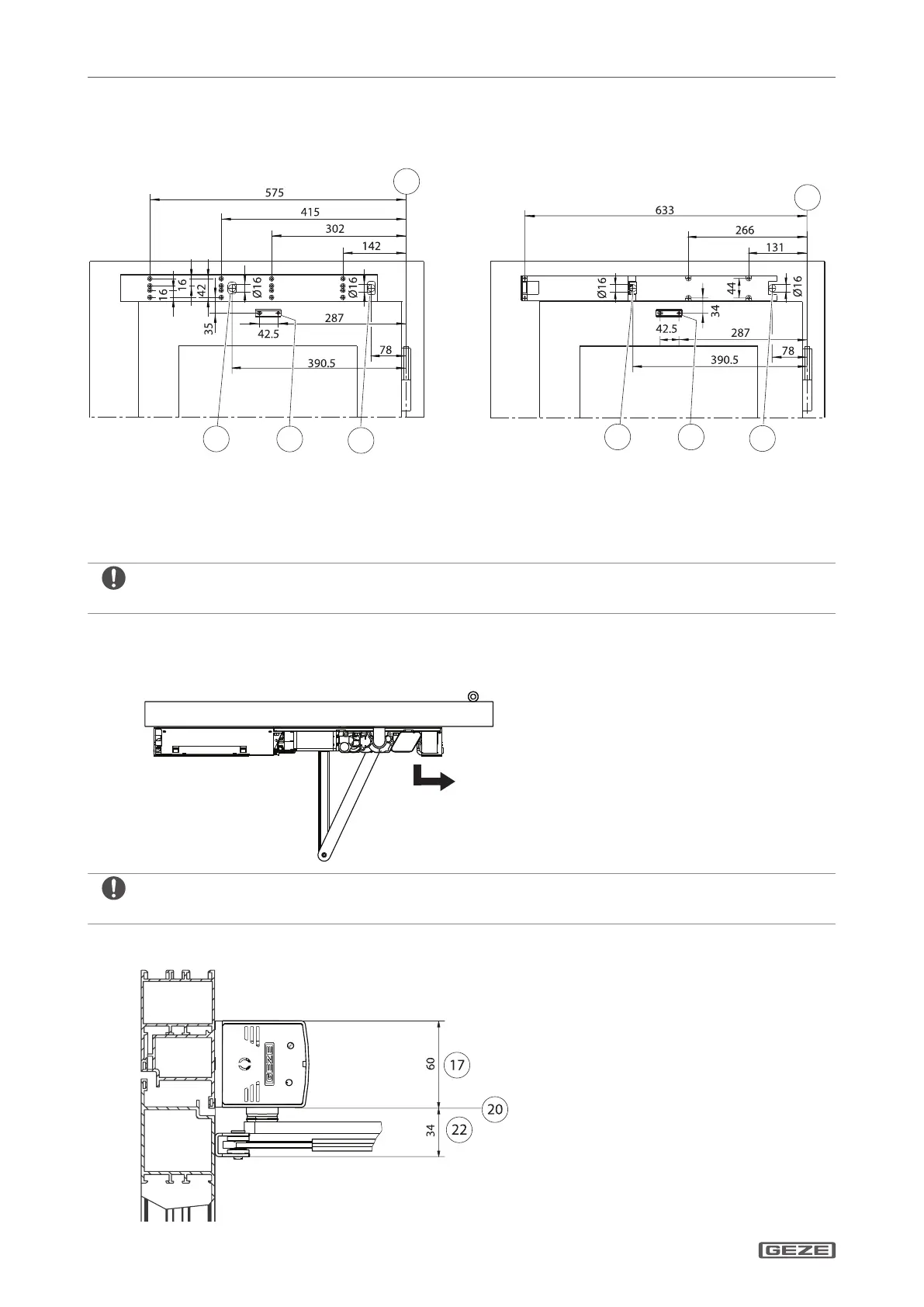
Transom mounting opposite hinge side with link arm8.2.3
Fixing with mounting plate Direct xing
14 Dimensional reference hinge middle
15 Cable entry for power supply cable
16 Cable entry for control cables
21 For mounting dimensions of the link arm refer to the "ECturn link arm mounting instructions" (134590)
Observe drilling template: DIN left and DIN right mirrored.
X
Fastening means
Mounting plate M5 à
Base plate M5 or chip board screws à
Take drive orientation into account: Motor towards hinge.
X
Required space
17 ECturn required space
20 Dimensional reference bottom edge frame
(lintel)
22 Space required link arm


 To Next Page
 Loading...