Instruction manual Diagnosis
31
11 Diagnosis
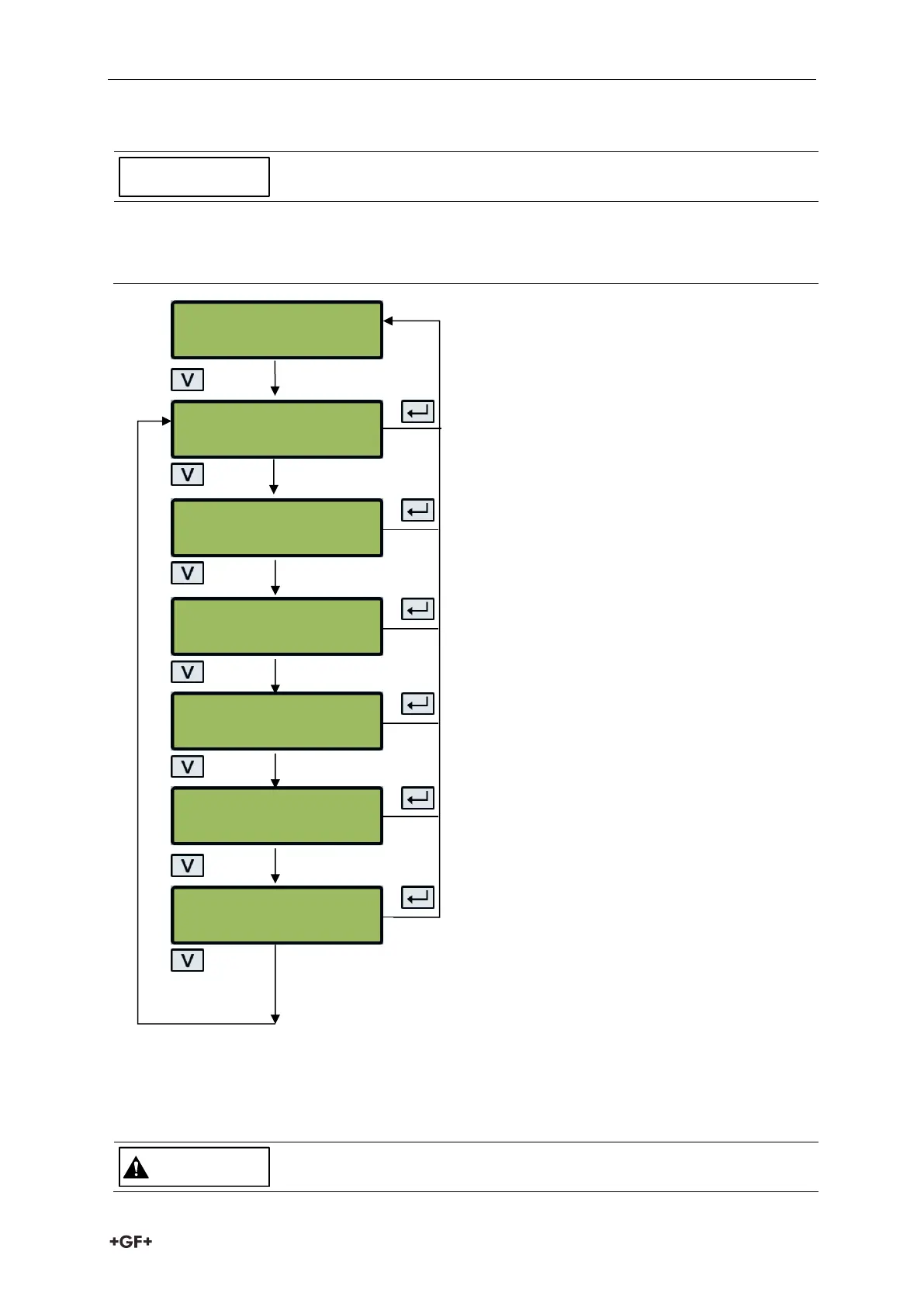
The diagnosis menu provides additional information and various diagnosis options.
In the diagnosis menu, the keypad is less responsive than in normal operating mode. The
buttons therefore have to be pressed for a longer time.
The estimated transmission time (Est. TA) and
actual transmission time (Act. TA) are
displayed. There should be a certain ratio
between these two values.
If the frequency-based option (pulse
frequency) is selected, the present pulse
output frequency is displayed, proportional to
the flow rate.
This screen will display the errors. A number
between 0-255 will be displayed. If no errors
reported "None" is displayed.
The flow board's software version is shown on
the upper line. The lower line shows its
status.
The software version (Rev.) and serial number
(S/N) of the U1000 V2.
The gain factor is displayed as an indication of
signal strength and switch setting. The values
for a good signal 600 – 970 and switch setting
(x1).
The current time difference (DT) between
upstream and downstream signals in [1 ns =
10
-9
s].
Est. TA 85.64
Act. TA 86.77
Diagnostics
Error none
124
ToFM Connected
5060-01-01-01-03
Rev: 05.00.001
S/N:112547 06/19



 To Next Page