Series 8035XA Peak Power Sensors
4-6 Manual 21568, Rev. F, March 2008
0.1 nsec on the 8650A or 58542 power meters or by pressing the Enter button on the 8540C
power meter.
4.4.3 Delay Test
The Upper and Lower Limits in Table 4-8 are the minimum tolerances to test Delay
functionality.
NOTE: The following test is suggested to verify sensor delay functionality. Sensor delay
accuracy is unspecified.
1. Connect sensor to channel A of the power meter, and then calibrate the sensor. If an
80351A, 80352A or 80355A sensor is being tested, remove the attenuator.
2. Select PRESET from the RECALL menu.
3. Connect the sensor to a pulse generator with a 0 dBm, 50 MHz, 2 ms pulse.
4. Use an oscilloscope or a frequency/width counter and measure the pulse width of the
SAMPLE DELAY output at the settings listed in Table
6. The sample delay measurements
in the chart are referenced at 1.7 V:
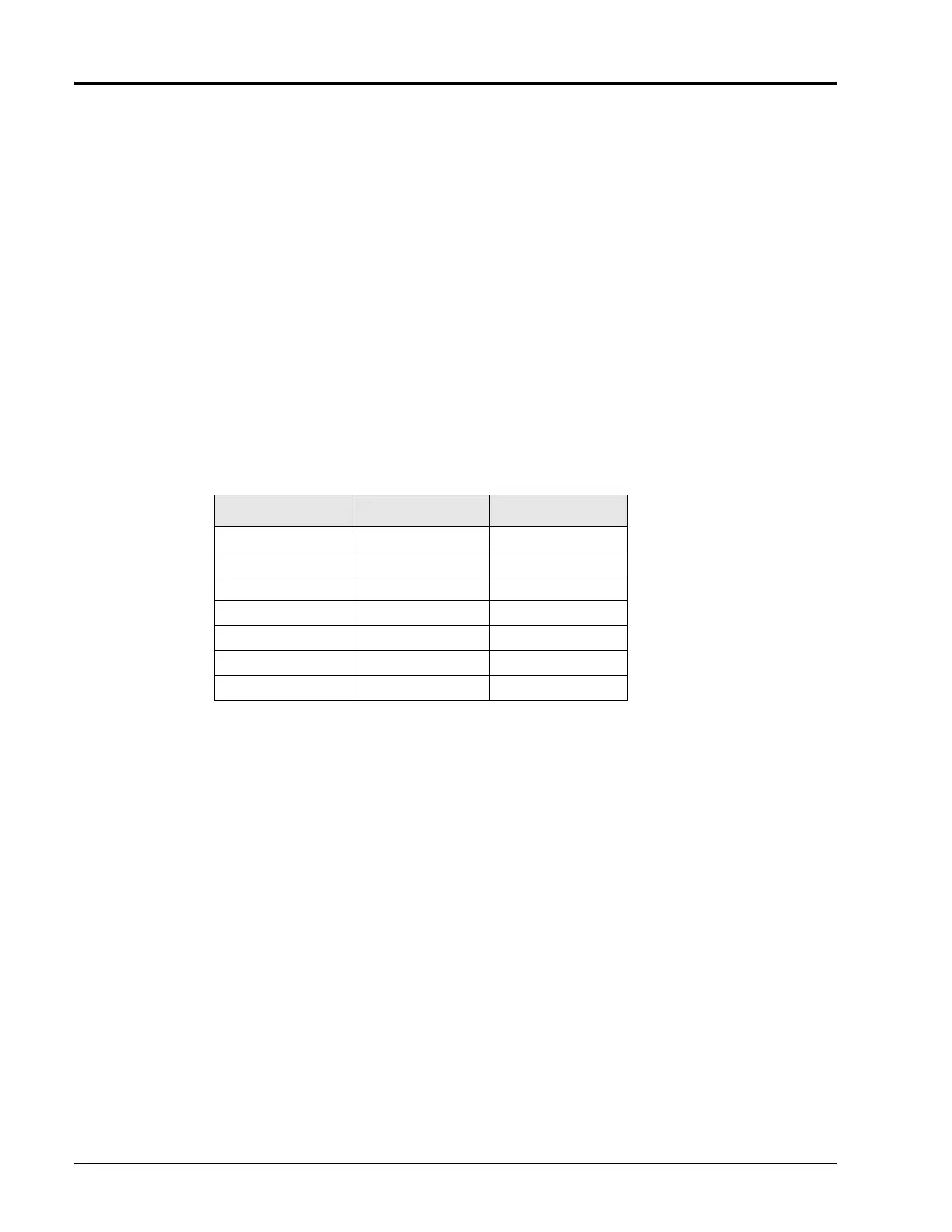
Table 6: Sample Delay Limits
Delay Setting Lower Limit Upper Limit
-20 ns 10 ns 30 ns
60 ns 40 ns 110 ns
1 µs 900 ns 1100 ns
10 µs 9 µs 11 µs
100 µs 90 µs 110 µs
1 ms 900 µs 1100 µs
100 ms 90 ms 110 ms
5. Record the test results in Table 11 and circle the appropriate Pass/Fail test status.
This completes the Specification and Performance Verification Tests for the 8035XA Peak
Power Sensor. If the Sensor has performed as described in the preceding tests, it is functional
and correctly calibrated.
If the sensor fails to meet the criteria defined in these tests, refer to the Maintenance and
Troubleshooting chapters of this manual, or contact your local Giga-tronics Sales
Representative for assistance.


 To Next Page