102
Individual handset settings
S1_SL1 / englisch / A31008-X150-B103-1-7619 / settings_hs.fm / 02.10.2003
Individual handset settings
Your handset has default settings. You can change these settings individually.
Changing the display language
You can view the display texts in different languages.
Activating/deactivating Auto Answer
If you have activated this function, when you get a call you can simply lift the handset
out of its base or the charger without having to press the Talk key c (the default set-
ting is on).
v
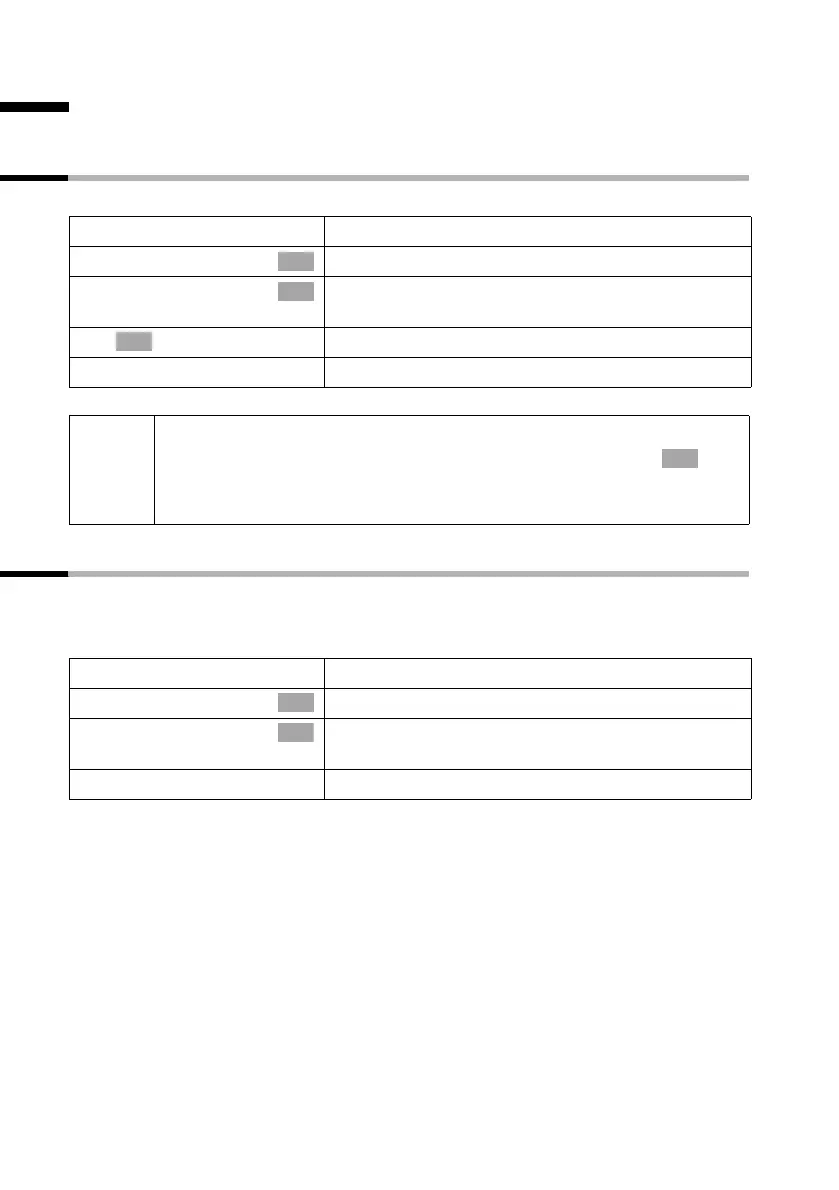
Open the menu.
s Settings
Select the menu item and confirm.
s Language
Select the menu item and confirm. The current lan-
guage is checked ‰ (the default setting is English).
s Select a language and confirm.
a
Long press (back to idle status).
OK
OK
OK
i
◆ If you set the wrong language in error, press v M 2.
Now select the correct language with s and confirm with .
◆ When you change the display language the character set can change
too, e.g. for Russian.
OK
v
Open the menu.
s Settings
Select the menu item and confirm.
Auto Answer
Confirm to deactivate or activate the function
(‰ = On).
a
Long press (back to idle status).
OK
OK



 To Next Page