128
System settings
S1_SL1 / englisch / A31008-X150-B103-1-7619 / settings_bs.fm / 02.10.2003
Checking the software version
You can check the version of the software for the base:
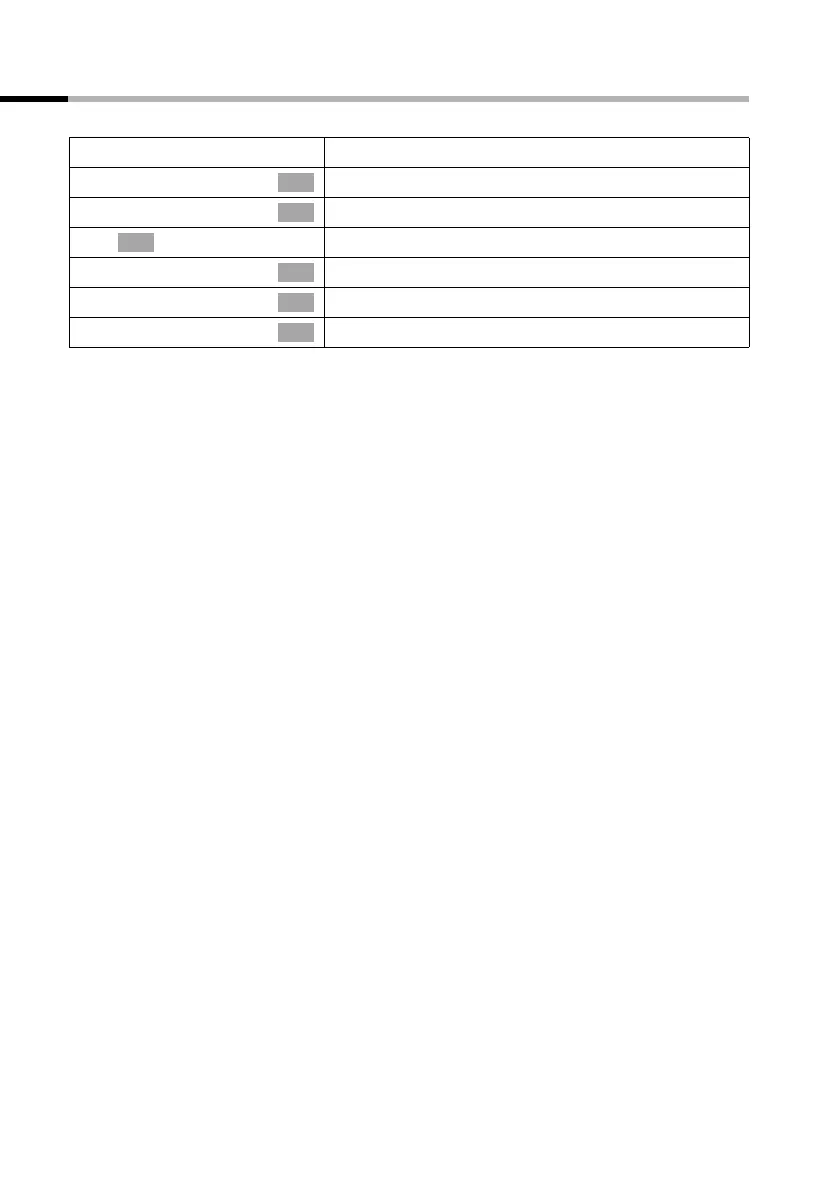
v
Open the menu.
s Base Settings
Select the menu item and confirm.
s Settings
Select the menu item and confirm.
~
Enter system PIN if required (page 91).
s System settings
Select the menu item and confirm.
s Spec. function
Select the menu item and confirm.
s SW version
Select the menu item and confirm.
OK
OK
OK
OK
OK
OK



 To Next Page