91
Security settings
S1_SL1 / englisch / A31008-X150-B103-1-7619 / security.fm / 02.10.2003
Security settings
Changing the system PIN
You can protect the following settings against unauthorised access using the system PIN
(Personal Identification Number):
◆ Call charge settings (v / Call Charges)
◆ Internal and external call forwarding
(v Base Settings/ Ext. call forw. or Int. call forw.)
◆ SMS service centres, party configurations, security, ISDN, and system settings
(v /
Base Settings / Settings)
◆ Getting started wizard (v / Base Settings / Installation)
The system PIN will not work with the number 0000.
When supplied, the system PIN is preconfigured to 0000.
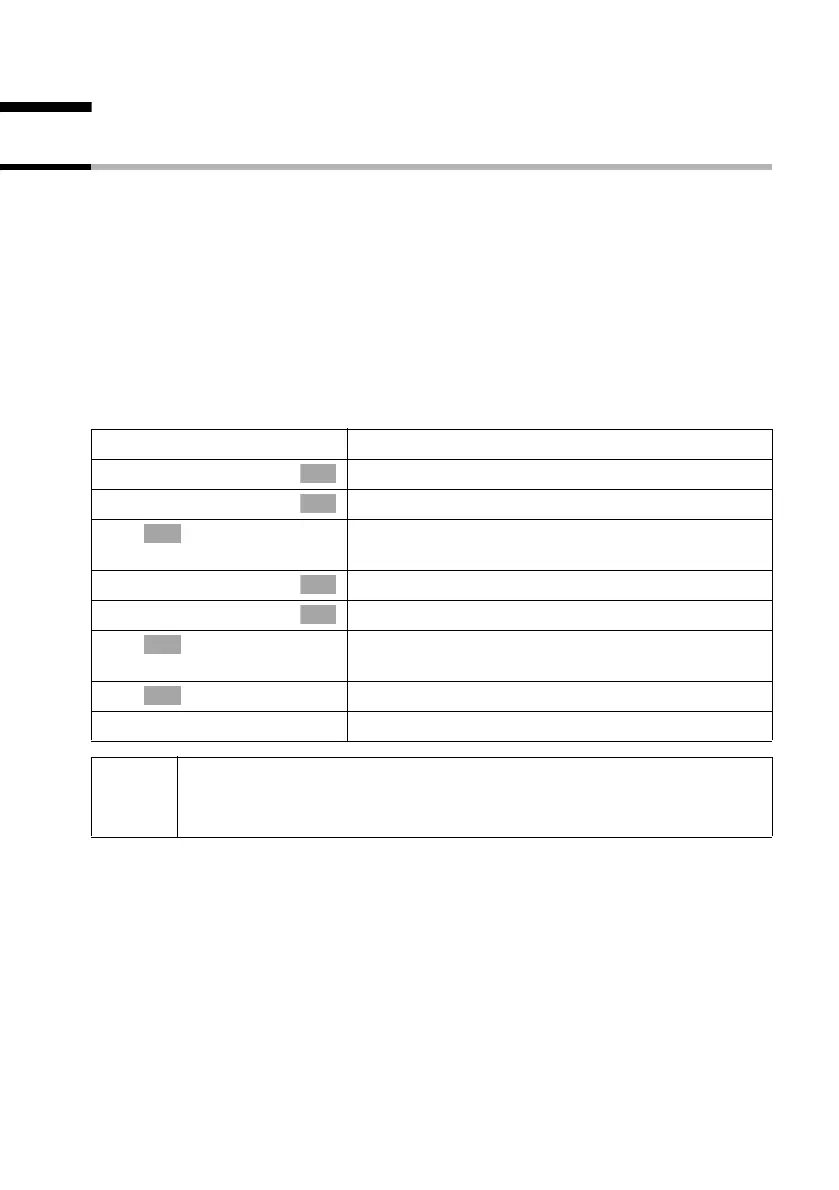
v
Open the menu.
s Base Settings
Select the menu item and confirm.
s Settings
Select the menu item and confirm.
~
Providing you choose a number other than 0000:
Enter PIN and confirm.
Security
Confirm.
s Change PIN
Select the menu item and confirm.
~
Enter new system PIN (up to 8 digits, 0 to 9) and con-
firm.
~
Repeat the new system PIN and confirm.
a
Long press (back to idle status).
OK
OK
OK
OK
OK
OK
OK
!
Memorise the new system PIN! If you forget it, the device will require
technical intervention. If this happens, contact the Siemens Hotline
(page 152).



 To Next Page