145
Operating the answering machine directly
S1_SL1 / englisch / A31008-X150-B103-1-7619 / answeringm_use.fm / 02.10.2003
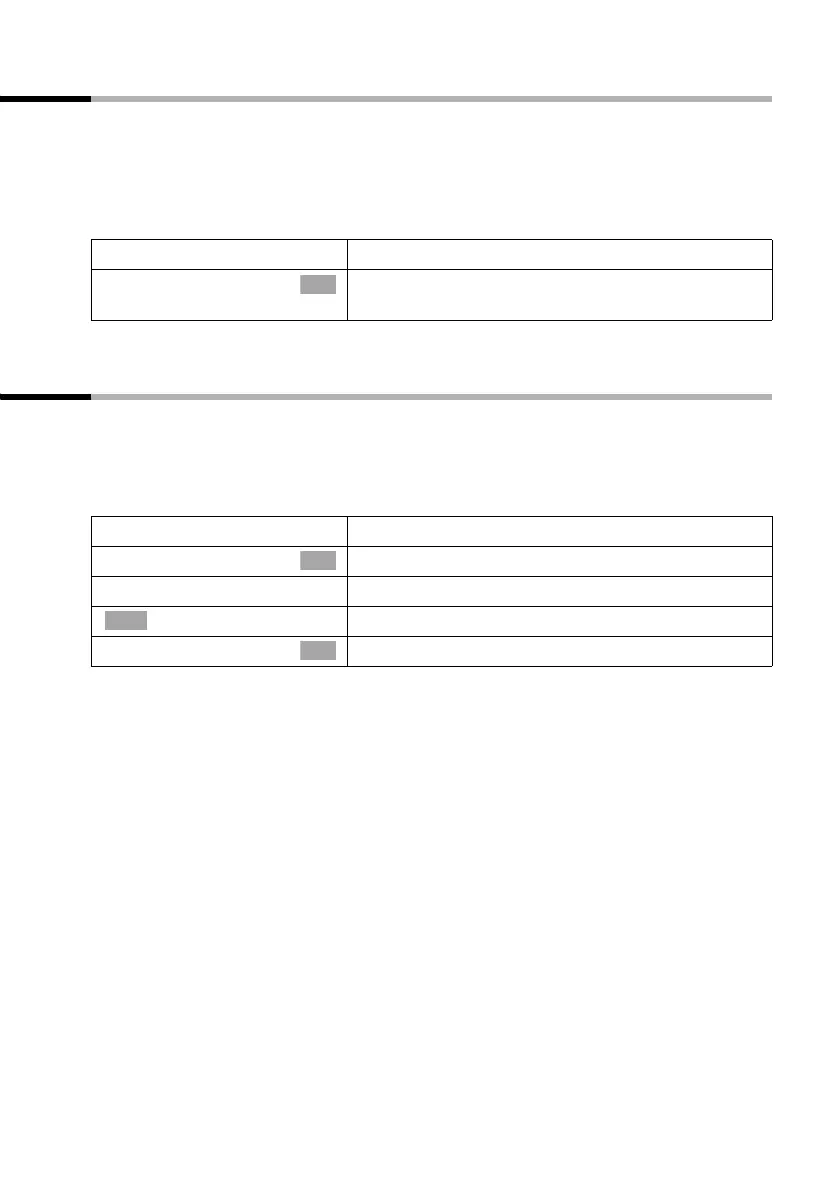
Marking an old message or memo as "new"
You can mark messages/memos you have already played back as "new". This will display
this message/memo on the handset as a new entry by flashing the message key f or
by text in the display.
Pressing the messages key f gives you direct access to the message/memo once more.
During playback:
If other recordings are available, playback continues.
Adding a number to the directory
While a message is being played back you can display the caller's phone number and
store it in the directory.
Precondition: The caller's number has been identified.
During playback:
Í
Press the display key to open the submenu.
s Status to 'new'
Select the menu item and confirm. The current
recording is given the status "new".
OK
Í
Press the display key to open the submenu.
s Save number
Select the menu item and confirm.
~
Enter name.
Press the display key to open the submenu.
Store
Confirm.
OK
à
OK



 To Next Page