94
Individual handset settings
C1-C2 isdn / englisch / A31008-X150-B103-1-7619 / settings_hs.fm / 19.11.2003
Resetting a handset to the factory setting
You can reset individual settings and changes you have made. This will not affect
entries in the directory, the calls list, or the speed dial list, nor the handset's registration
to the base or logos and melodies that you have loaded.
Press
a to cancel the reset.
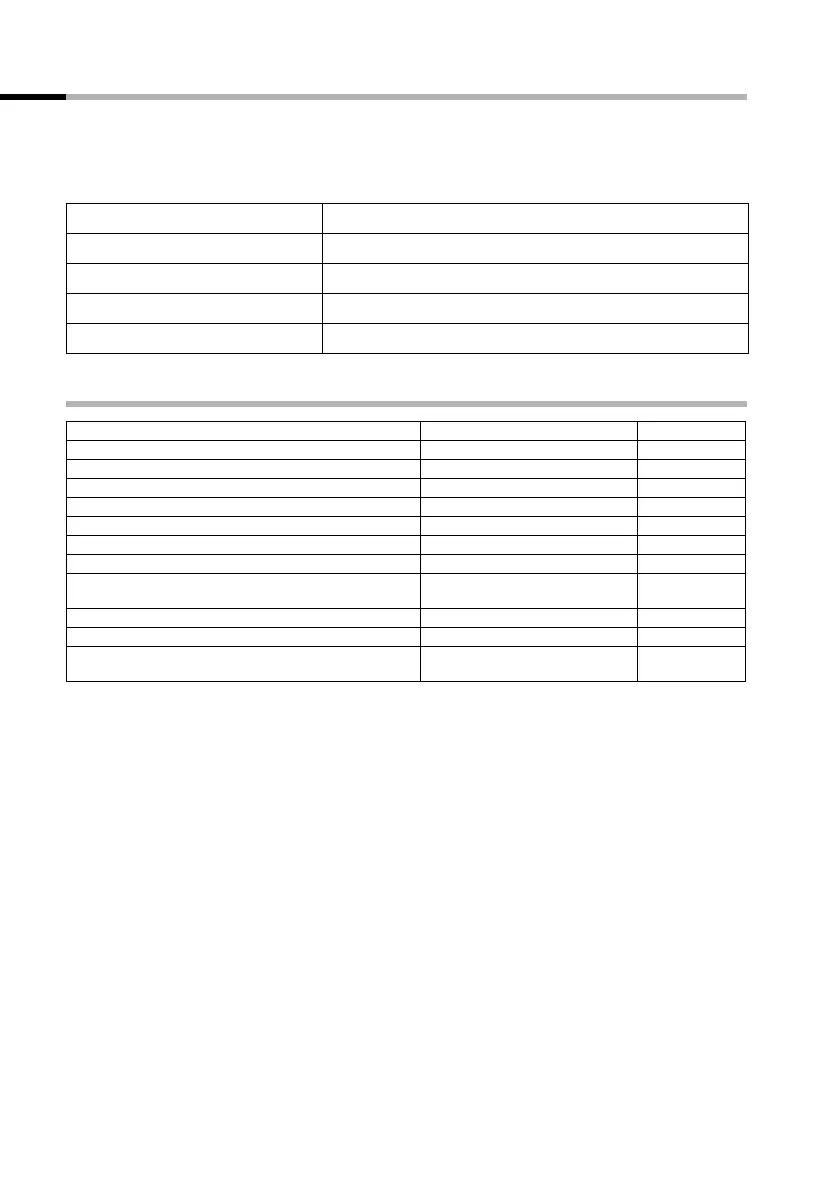
Factory settings of the handset
MENU
Press display key to open menu.
s Handset Settings OK
Select the menu item and confirm.
s Reset Handset OK
Select the menu item and confirm.
OK
Press the display key to confirm the prompt.
a
Long press (back to idle status).
Base selection Best Base page 15
Earpiece volume 1 page 91
Handsfree volume 3 page 91
Ringer volume 5 page 91
Ringer melody 1 page 91
Auto answer activated page 90
Battery tone/Key click/Confirmation tone activated page 93
Display language country specific page 90
Alarm clock/Appointment (on the C2) deactivated page 75/
page 76
Appointment name (on the C2) deleted page 76
Last number redial list empty page 31
Room monitor/room monitor sensitivity (on the
C2)
deactivated/high page 71/
page 71



 To Next Page