90
Setting the answering machine
S1_SL1 / englisch / A31008-X150-B103-1-7619 / answeringm_config.fm / 02.10.2003
Entering destination phone number for a text message
No destination number has been stored.
Precondition: You have selected an answering machine (page 137).
Changing or deleting the destination number for a text message
Precondition: You have selected an answering machine (page 137).
Activating/deactivating text message notification
You can only activate text message notification if a destination number is stored.
Precondition: You have selected an answering machine (page 137).
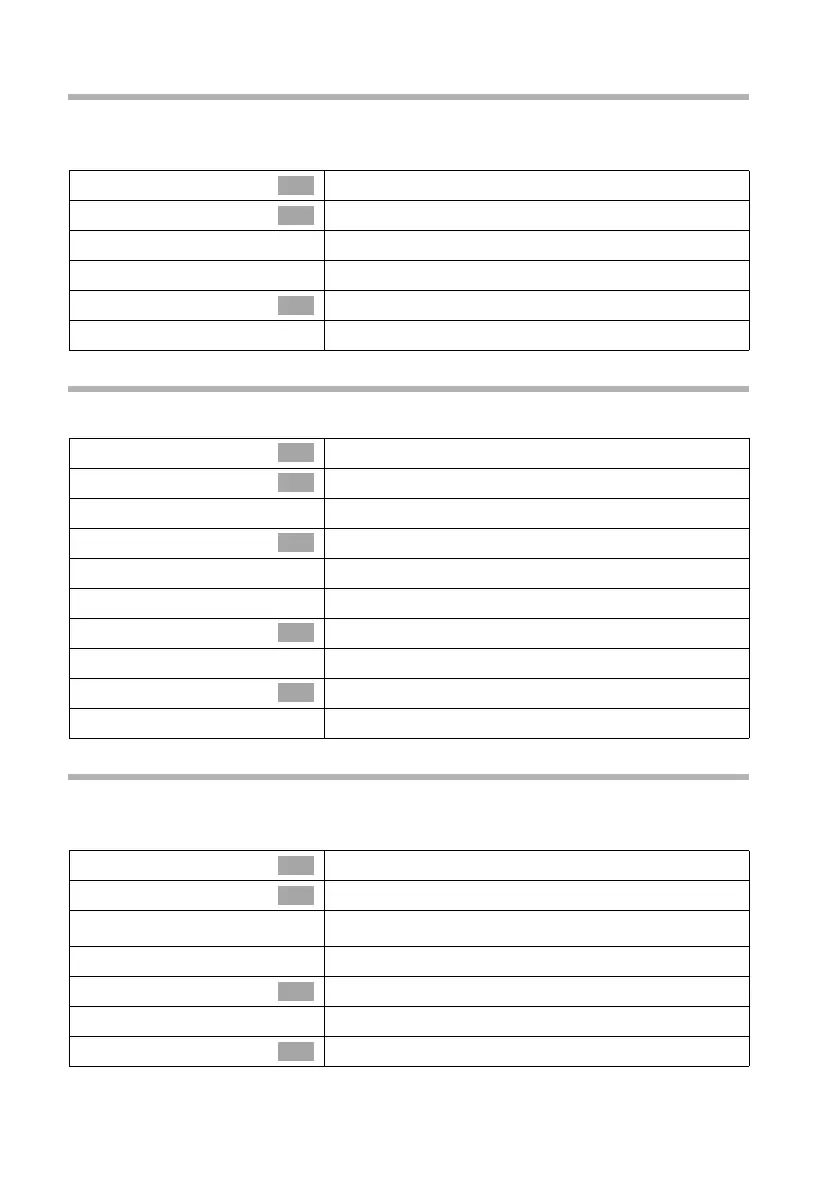
s Settings
Select the menu item and confirm.
s SMS notificat.
Select the menu item and confirm.
~
Enter destination number (up to 20 digits).
Í
Press the display key to open the submenu.
Save entry
Confirm.
a
Long press (back to idle status).
OK
OK
OK
s Settings
Select the menu item and confirm.
s SMS notificat.
Select the menu item and confirm.
either ...
Enter or change the destination number:
Change number
Confirm.
~
Change the destination number.
Í
Press the display key to open the submenu.
Save entry
Confirm.
or ...
Delete the destination number:
s Delete number
Select the menu item and confirm.
a
Long press (back to idle status).
OK
OK
OK
OK
OK
s Settings
Select the menu item and confirm.
s SMS notificat.
Select the menu item and confirm.
v
Open the submenu.
either ...
Activate text message notification:
s Activate?
Select the menu item and confirm.
or ...
Deactivate text message notification:
s Deactivate?
Select the menu item and confirm.
OK
OK
OK
OK



 To Next Page